
01
Type the Word
Open the generator, choose Words & names and type a word or a name of up to 15 characters and two words, like Emma or Merry Christmas.
This bubble letter generator turns a word or a name into a printable coloring page.
The letters come out as big rounded outlines with open space inside, and the decoration you choose goes around them. Make a page for a name, a birthday, a holiday or the classroom wall. Then print as many copies as you need.

A real page made with Words & names.
Pick an example to see what was typed in the generator, then open the generator and type your own word.
 Example
The same generator makes a holiday page, a birthday page, a name page and a word for the classroom wall. You change the word and the decoration, and the page changes with them.
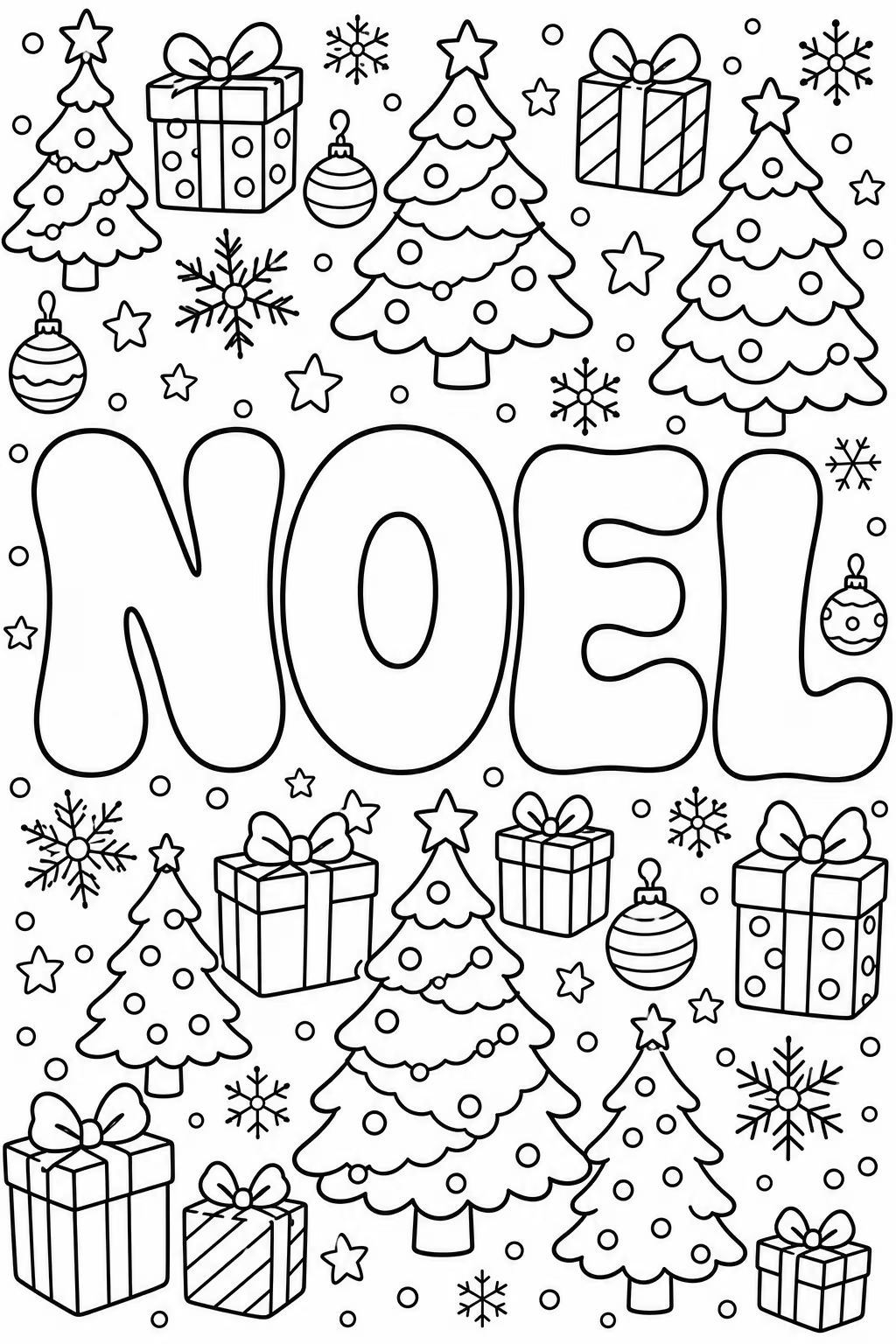
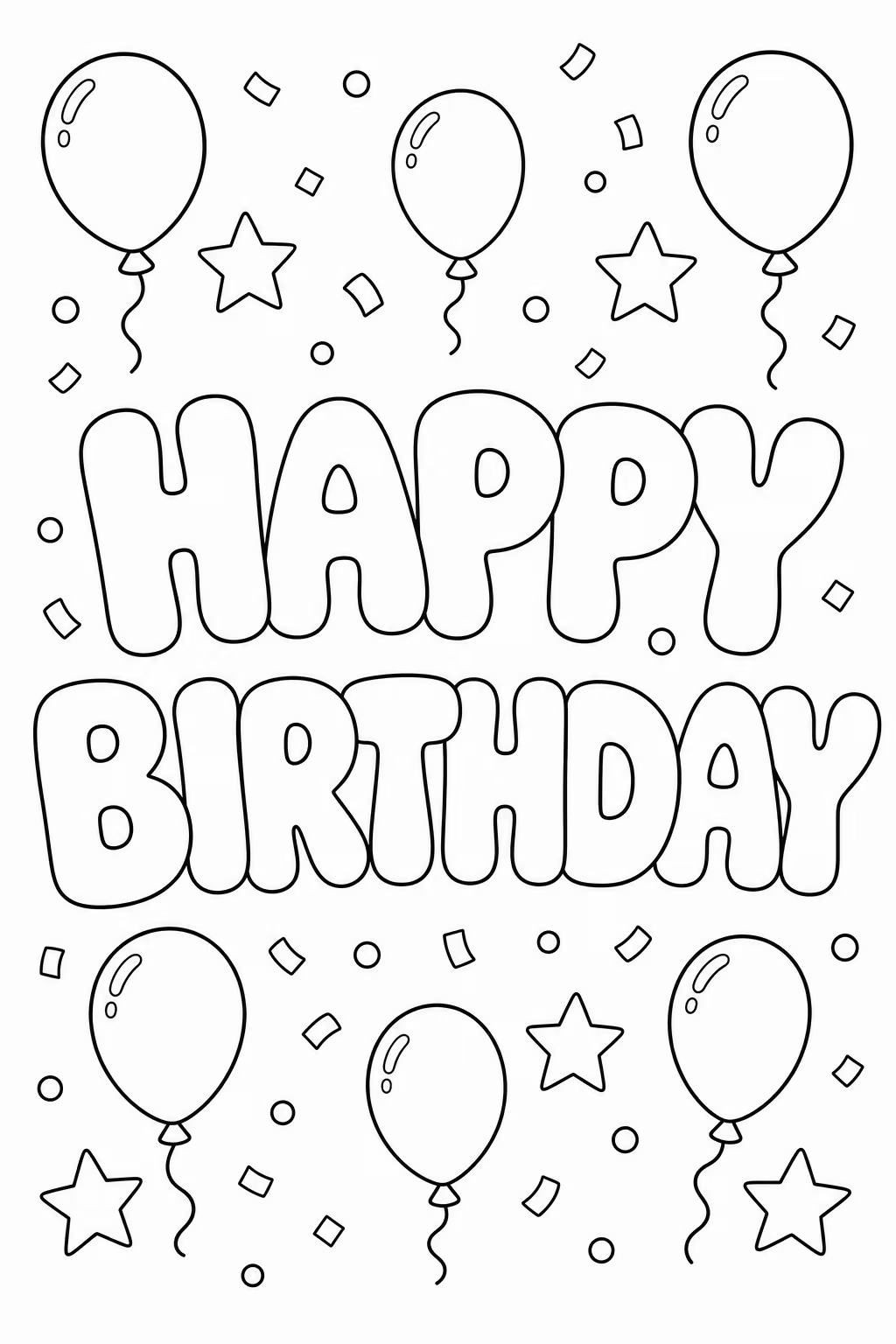
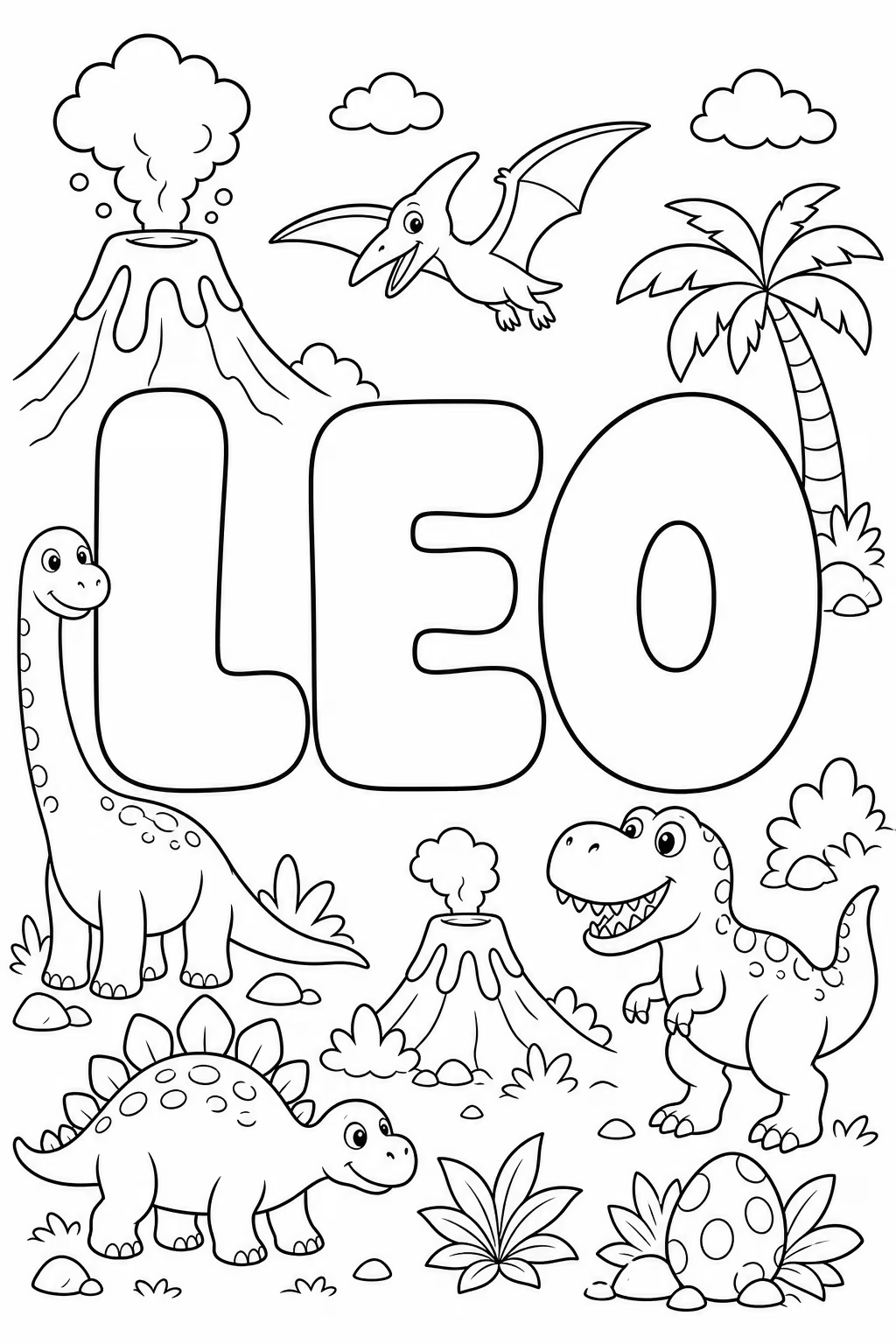
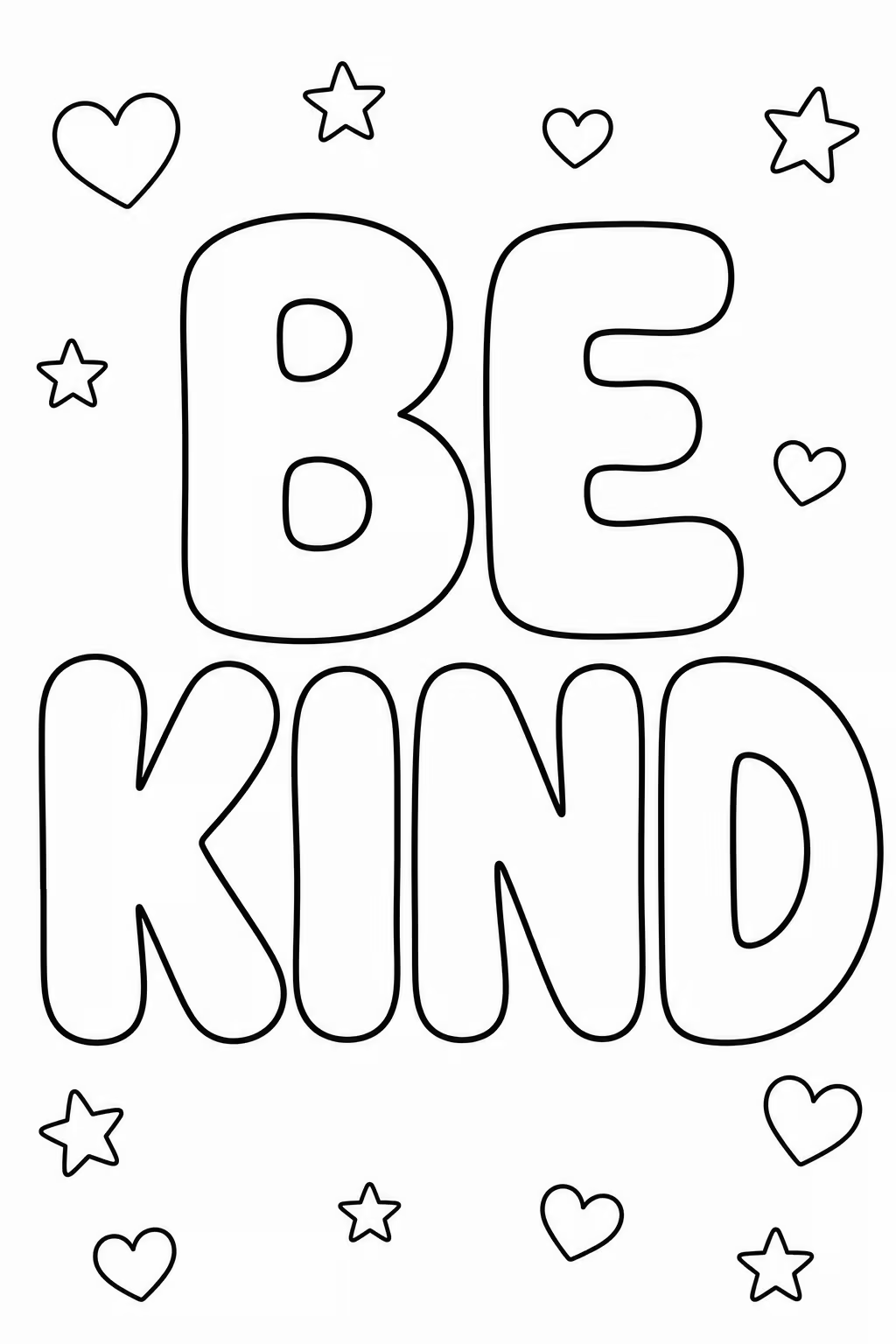
Have a word in mind? Try it in the generator.
Make Your First Page →The generator draws the letters and the decoration for you, so there is no font to install and nothing to trace by hand.
Open the generator, choose Words & names and type a word or a name of up to 15 characters and two words, like Emma or Merry Christmas.
Bubble is already selected in Letter style. Write what goes around the letters in Decoration or theme, like holly and ornaments, and choose how much of the page it fills in Background detail.
Generate the page, download it with no watermark and print as many copies as you need.
Ready to try the generator? Start with one word.
Start Creating Now →The bubble letter pages you make can go together in one printable book, like a Christmas book with a page for each name in the family or a set of holiday words to sell.
Make one page for each word or name in Words & names. Every page you make is saved in Creations gallery.
In Books & projects, press New Book/Project, give the book a name and click the pages you want in it.
Download the whole book as one PDF in the size you need, including the trim sizes Amazon KDP uses, and print it at home or upload it to your store.
Planning a holiday book? Start with the first page.
Create a Bubble Letter Page →Each page has the word in bubble letters and the decoration around it, drawn as a coloring page from the start.
The letters are big rounded outlines with open space inside, in clean black lines on a white page.
Type holly, dinosaurs or balloons in Decoration or theme, and the generator draws them around the word in the same coloring page style.
Simple keeps most of the page white, Medium frames the word, and Full decorates the page from edge to edge.
Block, Floral, Zentangle and Graffiti are in the same menu as Bubble, for a page that needs a different look.
Downloaded pages have no watermark, so they print clean at home or at school.
Type it, add the decoration you want around it and print the page.
Create a Bubble Letter PageThe page is the same for one person at home, for a class of twenty and for a book you make to sell.
Make a page for the word of the week, a class rule or each student's name, and print one per child.
Print a name or a holiday word to color together on a rainy afternoon, at a party or as a homemade card.
Put a name in bubble letters with what that person loves around it, and give the finished page as a card or a gift.
What you make in your Colorin account comes with a commercial license, so you can sell bubble letter pages and books, like a Christmas coloring book on Amazon KDP or a name pack on Etsy.
Have your list of names ready? Make the first page now.
Create a Bubble Letter Page →A free account comes with credits that refill every 10 days. When you need more pages or coloring books, choose the plan that matches how often you create.
Start free: 16 pages, no card
Start free: 16 pages, no card
Start free: 16 pages, no card
Start free: 16 pages, no card
You can start with a free Colorin account, which comes with credits that refill every 10 days, enough for your first pages. To make more pages, you choose a paid plan.
Open the Colorin generator, choose Words & names, type the word or name and keep Bubble as the letter style. Add a decoration if you want one, generate the page, then download it and print it.
Up to 15 characters and two words, using letters, spaces, hyphens and apostrophes. Merry Christmas and Happy Birthday both fit.
Yes. Type the name in Word or name, and write what that person loves in Decoration or theme, like gingerbread men and mittens.
Yes. Type them in Decoration or theme, for example holly and ornaments or Christmas trees and presents, and the generator draws them around the word.
Yes. Make one page for each word or name, then go to Books & projects, press New Book/Project and pick the pages. The book downloads as one PDF.
Bubble is one of five letter styles. Block, Floral, Zentangle and Graffiti are in the same menu. Zentangle works best with words of up to 8 letters.
There is nothing to install, because the generator runs in your web browser. You do need a Colorin account to make and download pages, and signing up is free.
No. The pages you download have no watermark.
Yes. What you make in your Colorin account comes with a commercial license, so you can sell your pages and books, for example on Etsy or Amazon KDP. The license does not cover characters or brands that belong to someone else.
Still have questions? The quickest answer is to make one page.
Create a Bubble Letter Page →With the same Colorin account you can make other printables.
Make a name, a holiday word or a birthday message, with the decoration you choose.
Create a Bubble Letter Page