Drone with an Airplane Coloring Page
Published on
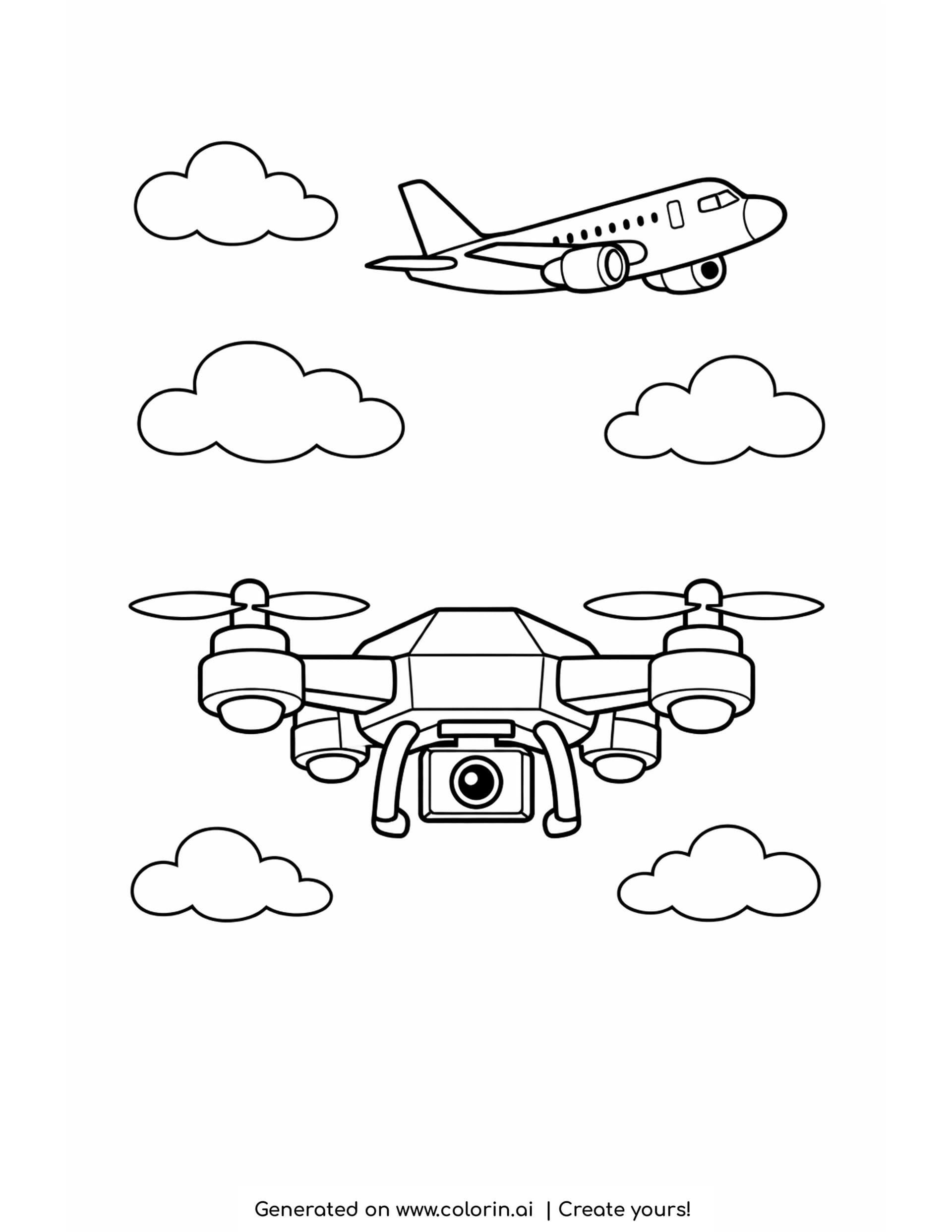
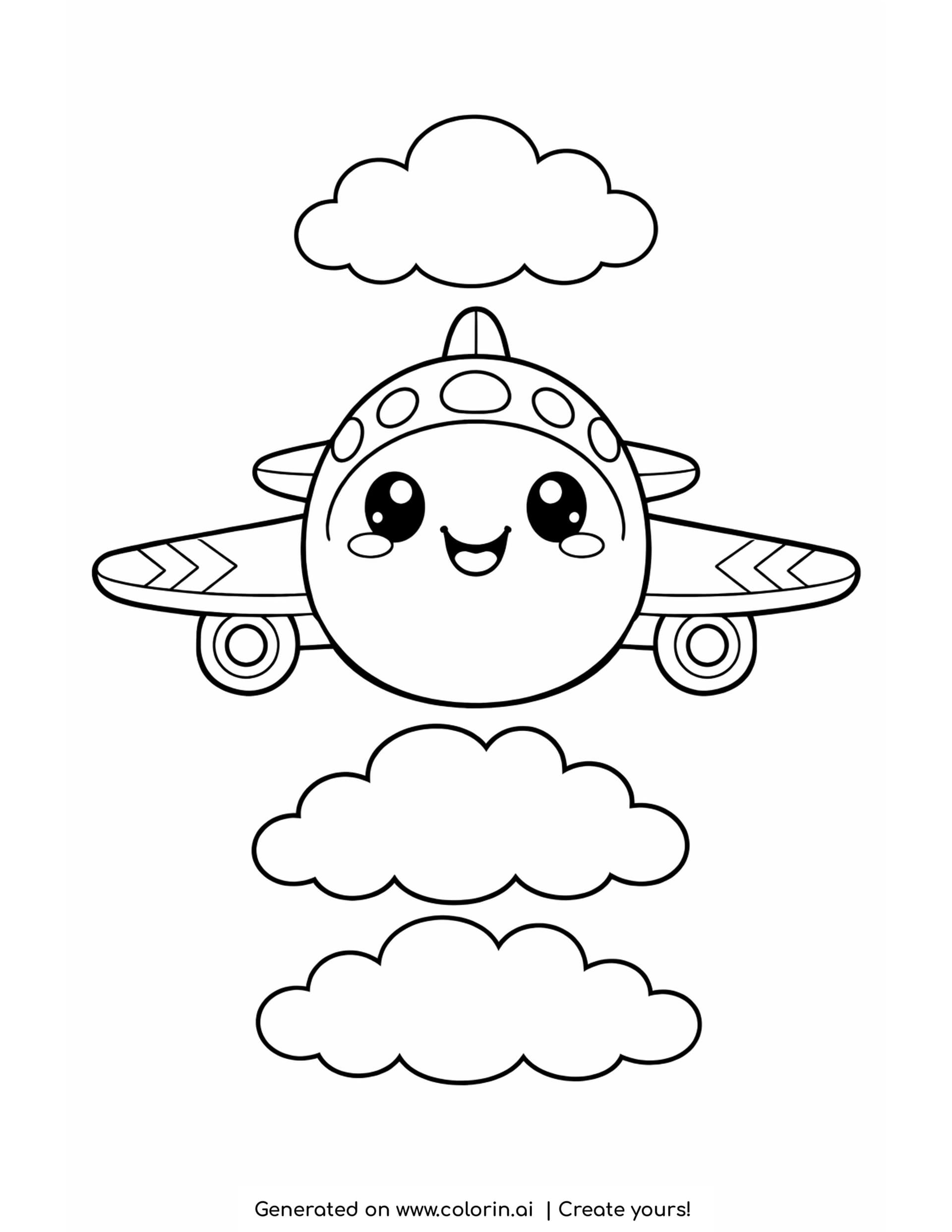
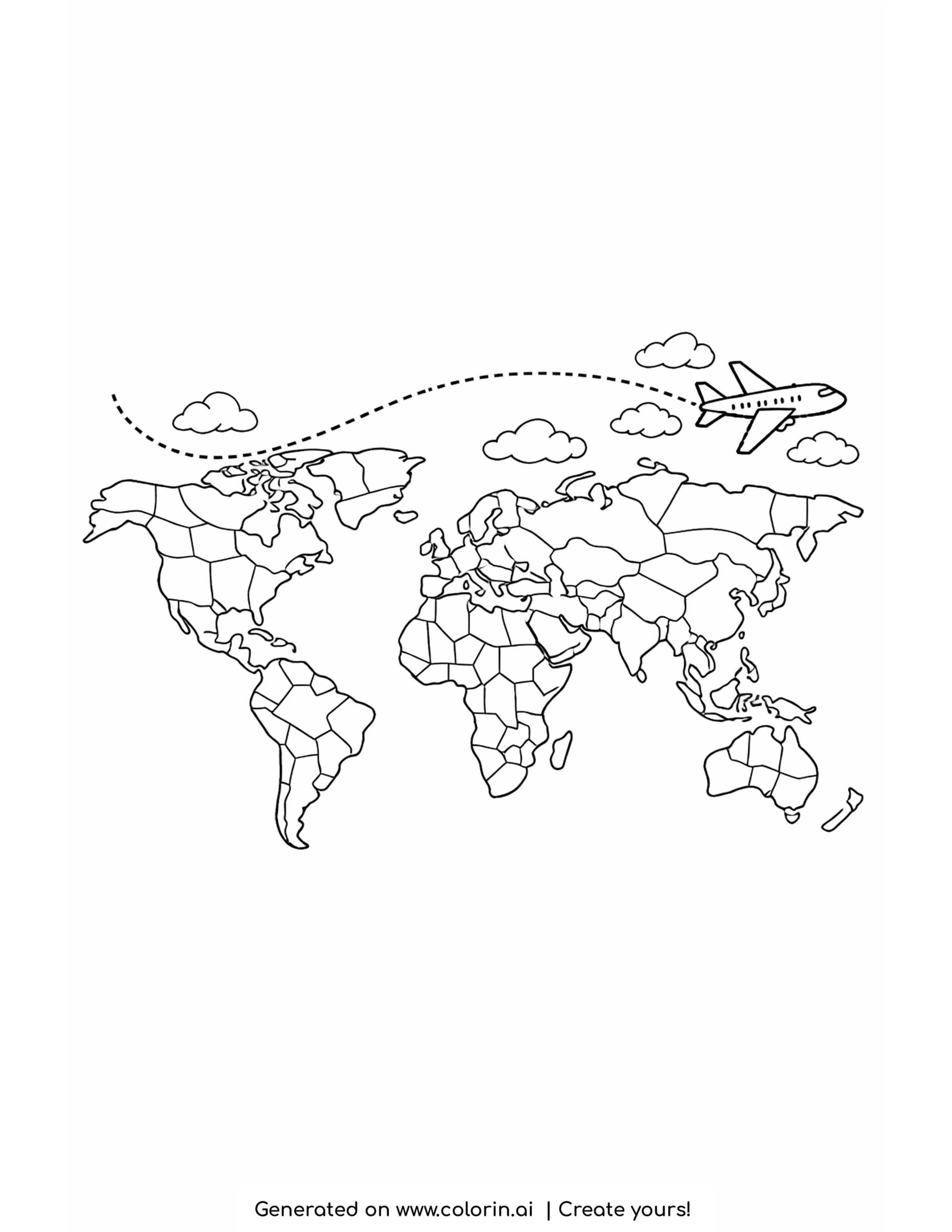
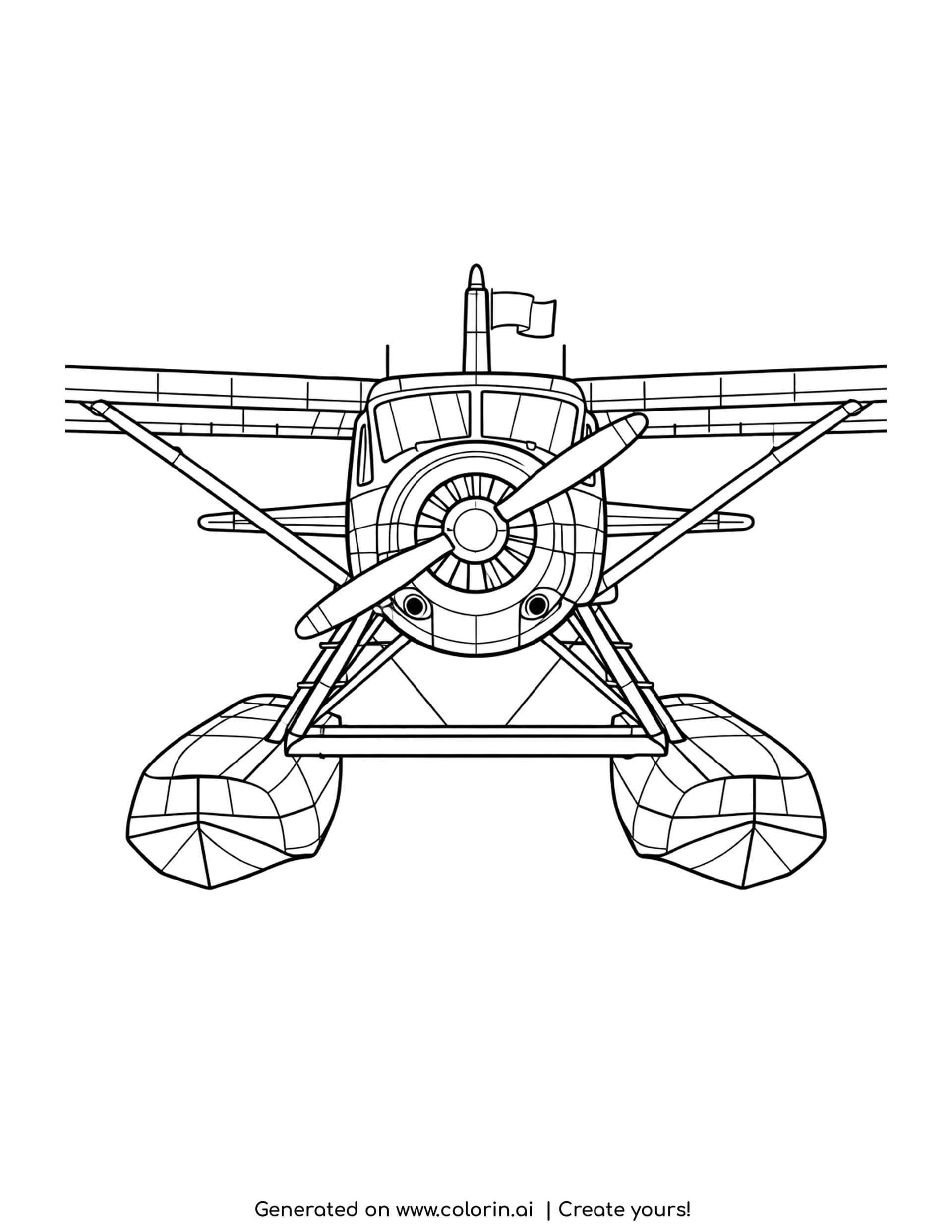
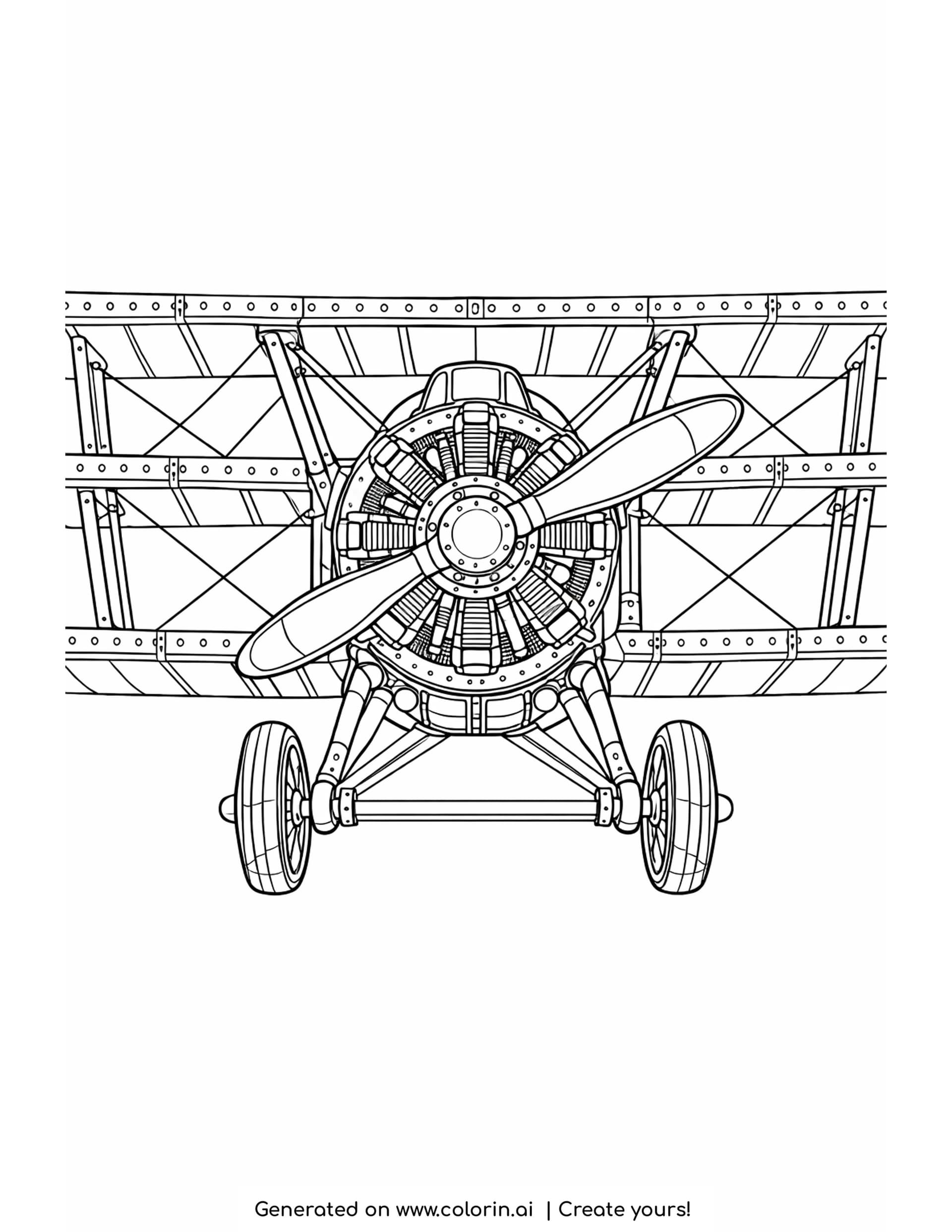
Add this drone coloring page to your collection if the aircraft in your house has four propellers rather than two wings. The sheet shows a quadcopter seen head on in the lower half, its faceted body in the middle, four arms reaching out to rotors that are drawn as long spinning blades, landing legs below and a gimbal camera with a round lens hanging underneath. Above it a small passenger jet crosses to the right, and six rounded clouds fill the space around them both.
How this coloring page was created
For this page, we entered the concept: "a four rotor drone with a small camera underneath hovering low on the page, with an airplane crossing the sky high above it" on Colorin AI and generated a print ready coloring page in seconds.
Hovering low and crossing high is the whole composition, and it is also the point of the page. Drones fly a few hundred feet up and airliners fly seven miles up, so putting one at the bottom of the sheet and the other at the top says something true about how the sky is divided. Asking for the camera underneath made sure the drone reads as a camera drone rather than a toy, since the gimbal is the part that identifies it.
Details of this drone coloring page
The body is drawn as a set of angled facets rather than a smooth shell, which is how most camera drones actually look, and it gives you five or six flat planes to work with on a fairly small object.
The four rotors are the repeating element. Each is a long thin blade shape crossing its motor housing, and because the drone is seen head on, all four are the same size and shape. That symmetry makes these drone coloring pages easy to plan: whatever you do to one arm, you do three more times.
The four rotor blades are long ovals crossing their housings, and each motor sits on a short arm with a landing leg dropping below it. The camera hangs in a small cradle held by two arms, and the lens is two circles set inside each other. The jet above has a row of small windows and a swept tail, drawn at roughly a quarter of the drone's size, which is what sells the difference in height between them.
Coloring Ideas and Techniques
Most consumer drones are one flat neutral color, so a gray or off white body with darker rotor arms is the realistic route. Then put every bit of brightness you have into the camera lens, since a single strong color in that one round shape pulls the eye straight to it, which is exactly where it belongs.
For a livelier version, give the two front arms one color and the two rear arms another. Pilots do this in real life so they can tell which way the drone is facing in the air, so it is a genuine detail rather than an invention.
Want to color your own? Turn a photo into a coloring page and print your own drone before its next flight.
If you want the drone to look like it is hovering rather than sitting still, leave a clean band of white paper directly under each rotor and let the nearest cloud edges stay pale. The eye reads that gap as air being pushed downward.
Frequently Asked Questions
Is this drone coloring page free to download?
Yes, the PDF downloads free for home and school use.
What age is this drone coloring page best for?
Ages 4 to 10. The shapes are large and symmetrical, and it suits a child who is already interested in how drones work.
Can I use this drone coloring page for commercial use?
This page is free for personal and classroom use. To sell coloring pages, create your own with Colorin AI: every plan includes a commercial license for the pages you generate.