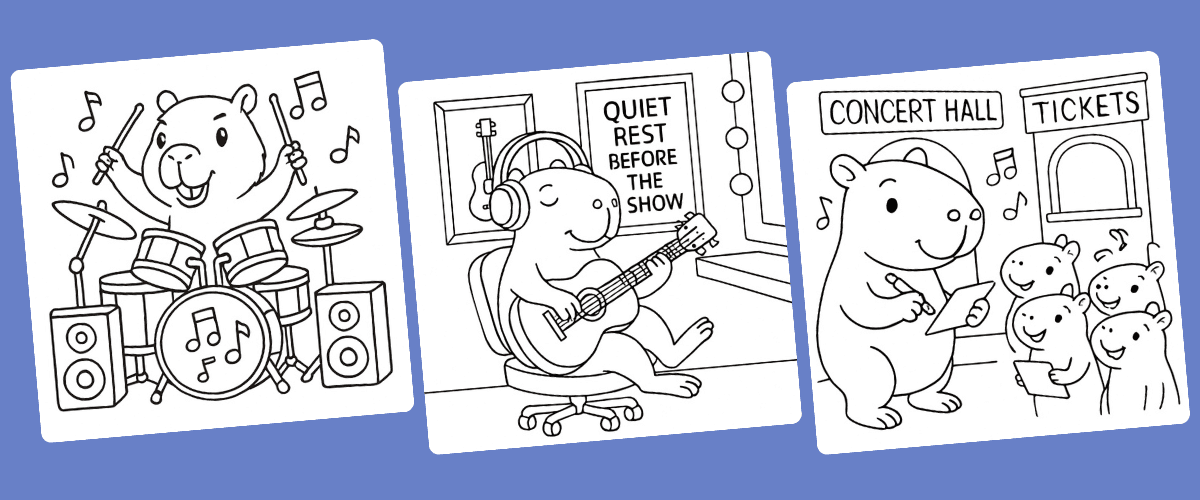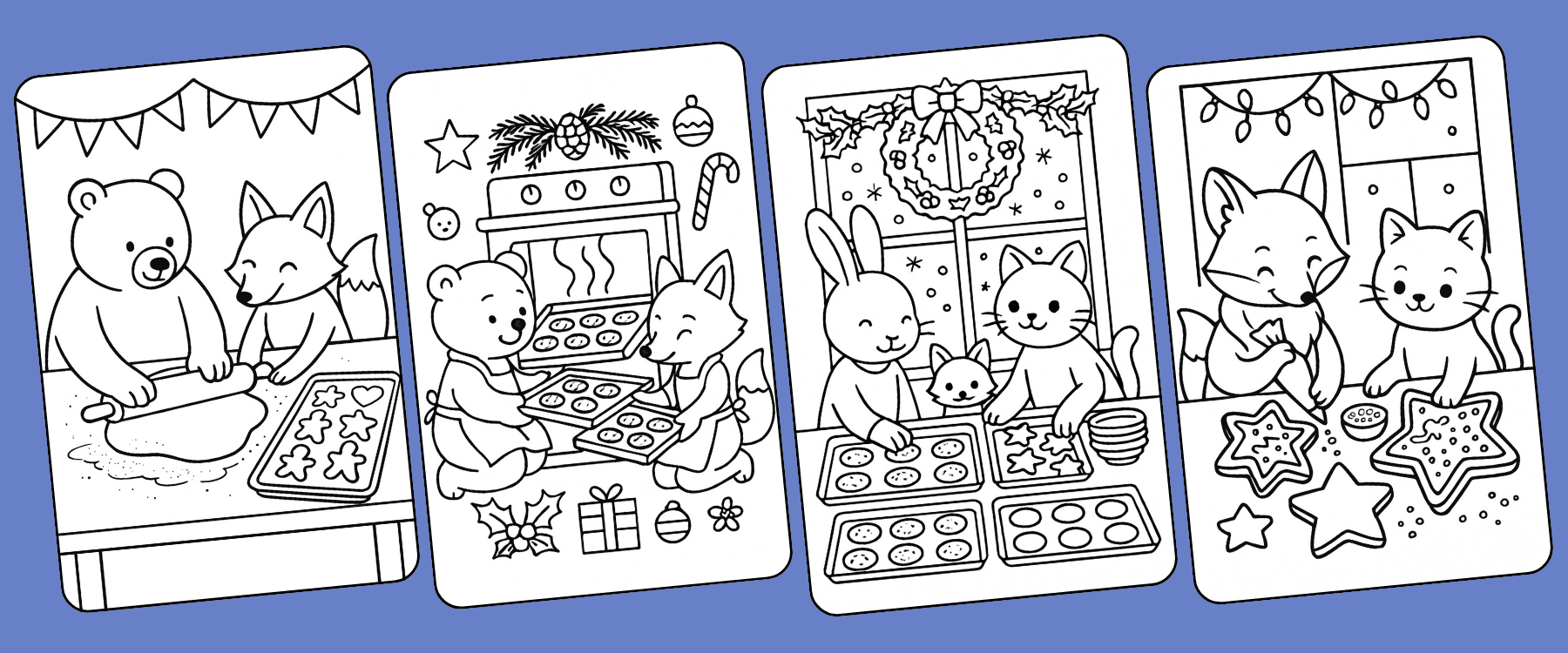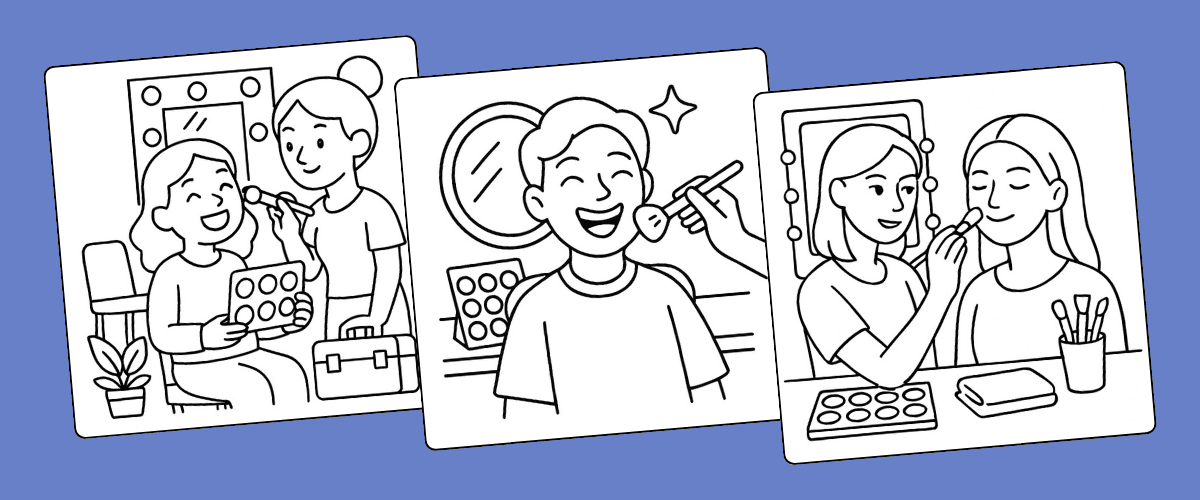

Making a coloring book one page at a time means writing and generating every page on its own, then putting the book together by hand. A bulk coloring book creator does it all in one batch. In Colorin AI, you describe the book once and Colorin writes one idea for each page. Then it generates the pages in one style, up to 50 at a time.
It works for a book to sell on Amazon KDP or Etsy, a class set or a gift series.
What Is Bulk Coloring Book Creation?
Bulk coloring book creation means generating every page of a book together. In Colorin, you do it in AI coloring book, in the menu. AI coloring page makes one page at a time. AI coloring book generates the whole batch and places it in a book in Books & projects.
AI Bulk Coloring Book Creator vs. Traditional Coloring Book Creation
- Ideas: page by page, you write each one. In a batch, one description becomes one idea per page.
- Style: in a batch, every page is generated together in one style.
- Assembly: page by page, you build the book at the end. In a batch, the pages arrive inside it.
- Cost: in a batch, you see the credits for the whole batch before anything is generated.
Colorin AI as a Bulk Creator: Pages, Books and Credits
- Pages per batch: up to 15, 25 or 50, depending on your plan and your credits.
- Pages per book: up to 15, 25, 50, 100 or 150, depending on your plan. A long book is several batches.
- Books at the same time: one or two, depending on your plan, so a second book can run while the first generates.
- Books: up to 1, 3, 15 or 30, or no limit, depending on your plan.
- Credits: 3 per page in Standard quality and 6 in Premium. A 15-page batch in Standard uses 45 credits.
The pricing page lists what each plan includes.
To decide how long the book should be, see the page counts by category.
Step-by-Step: How to Batch Create Coloring Books
Step 1: Name the Book
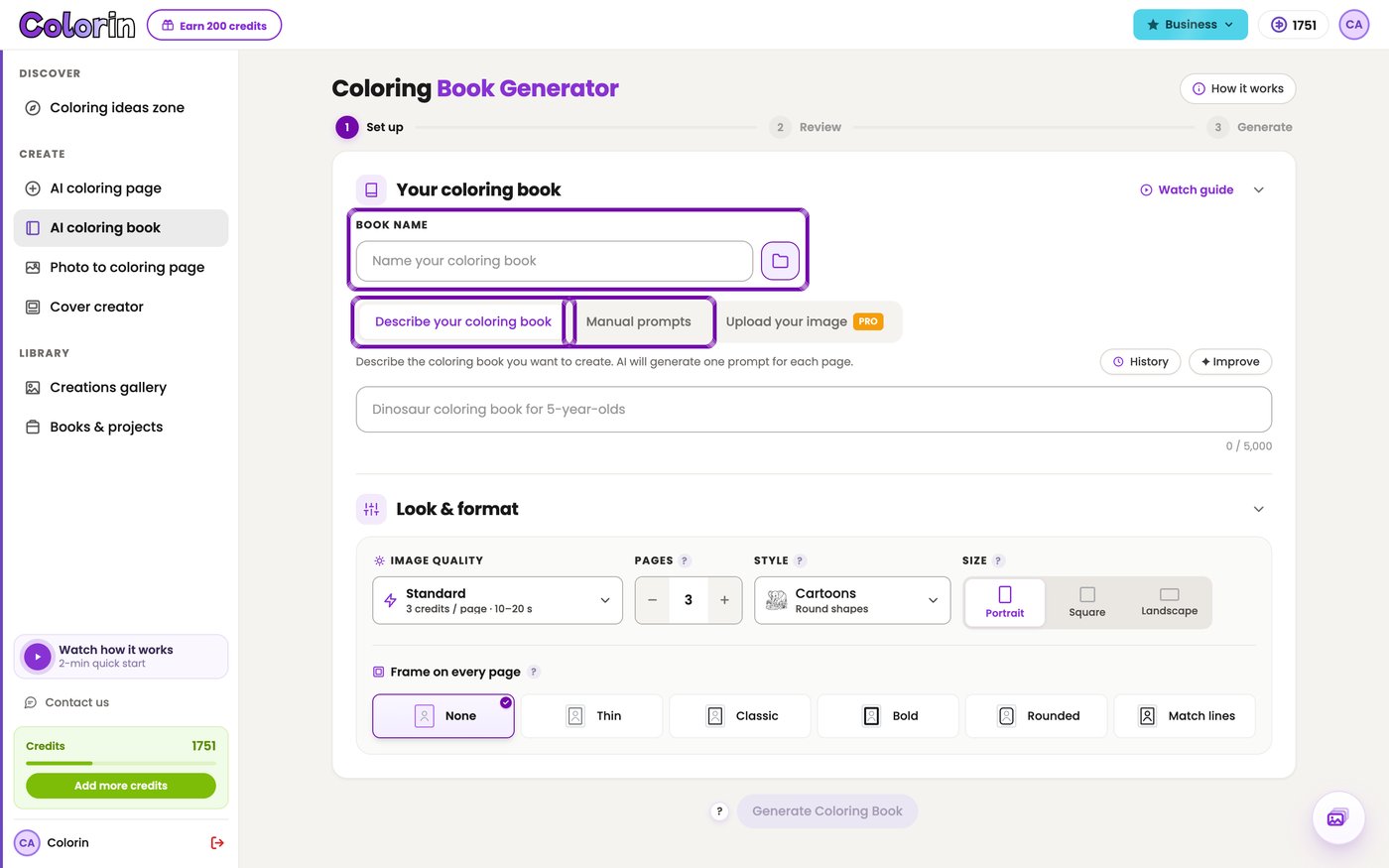
Open AI coloring book and type a Book Name of at least 3 characters. It's how you find the book later, and it doesn't print.
Step 2: Describe the Book or Paste Your Own List
- In Describe your coloring book, write the theme, like Dinosaur coloring book for 5-year-olds. Colorin writes the idea for each page.
- In Manual prompts, each line is one page. Paste ideas takes a whole list at once.
Step 3: Choose the Look & Format
Every setting under Look & format comes already filled in, so you can leave it as it is.
- Image quality: Standard or Premium.
- Pages: how many pages this batch makes.
- Style: one look for the whole book. Intricate and Zentangle come only in Premium.
- Size: the shape of each drawing, like Portrait or Square.
- Frame on every page: a border, or None.
Step 4: Review the Ideas and Generate the Batch
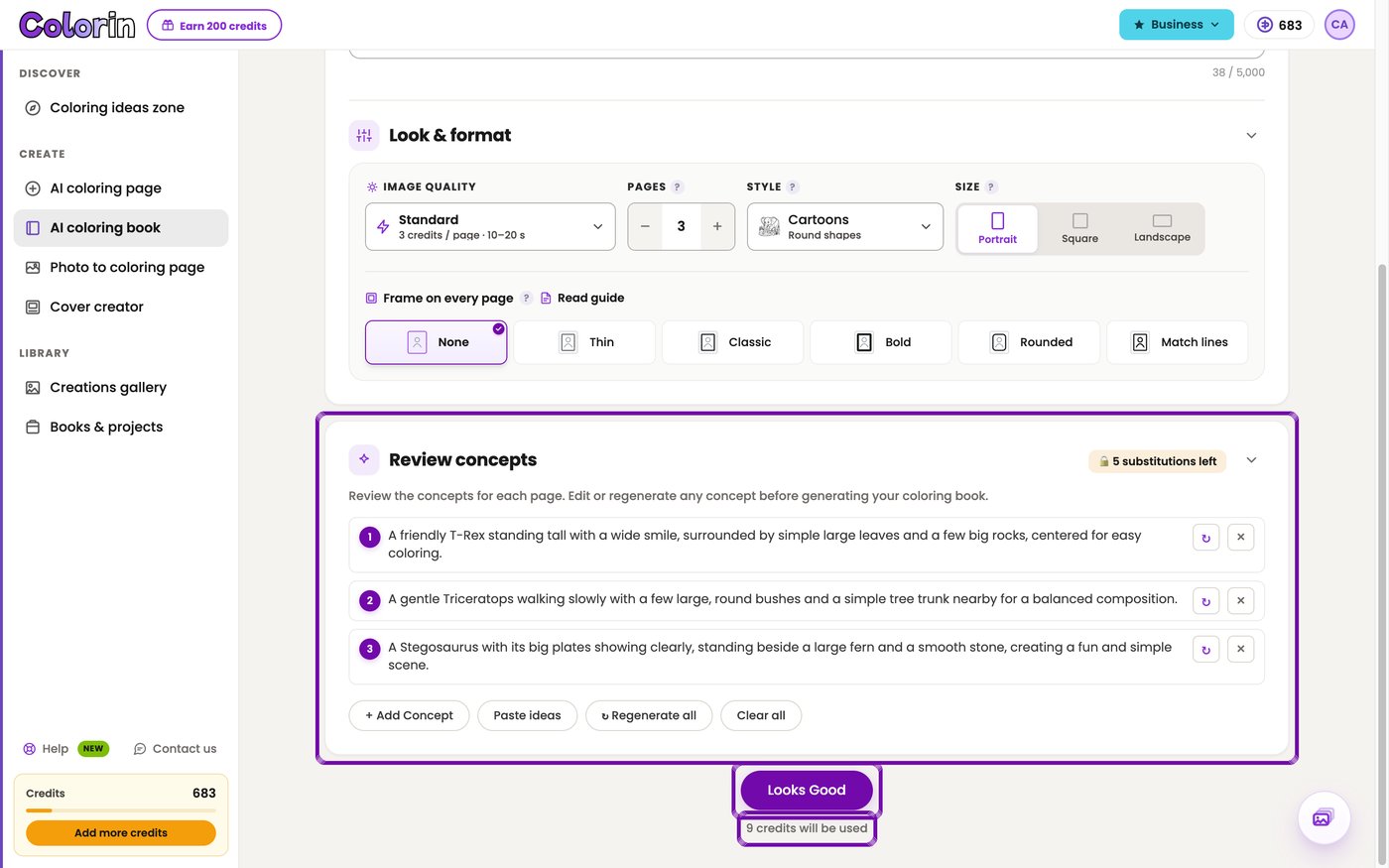
- Press Generate Coloring Book. Colorin writes one idea per page under Review concepts.
- Type over any idea to change it, or press Regenerate all for a new list.
- Press Looks Good. The line under it shows the credits this batch will use.
With Manual prompts, you'll go straight to Looks Good.
Step 5: Follow the Batch in the Activity Center
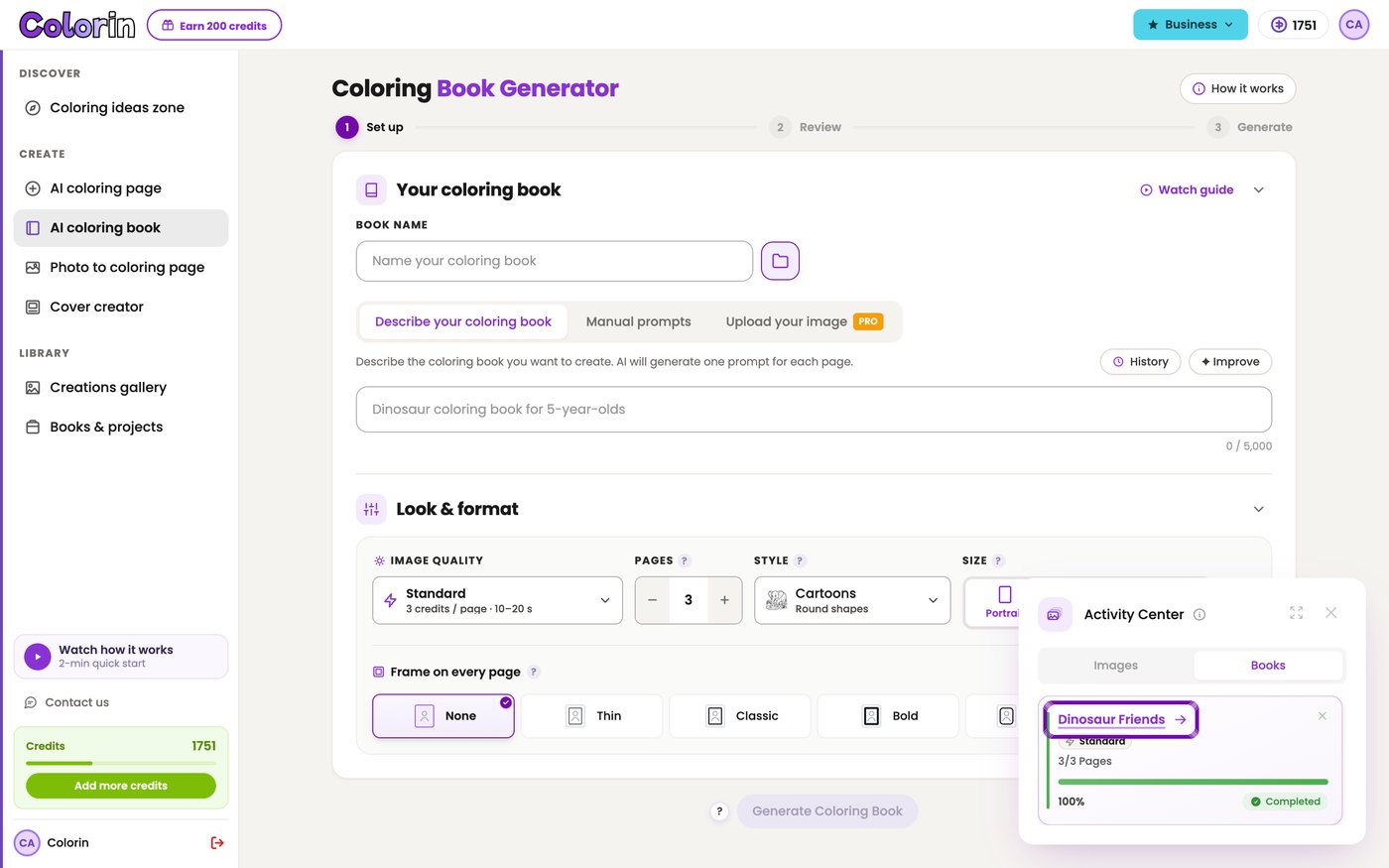
You can keep working while Colorin generates the pages. Press the round Activity button at the bottom right and open Books. When the card says Completed, click the name of the book to open it.
Step 6: Add the Next Batch to the Same Book
To make the book longer, press the folder button next to Book Name and choose the book. Choose the same Style and Size as the first batch, so the pages match. The new pages come out with the book's white space and frame.
Step 7: Set Up the Pages and Download the PDF
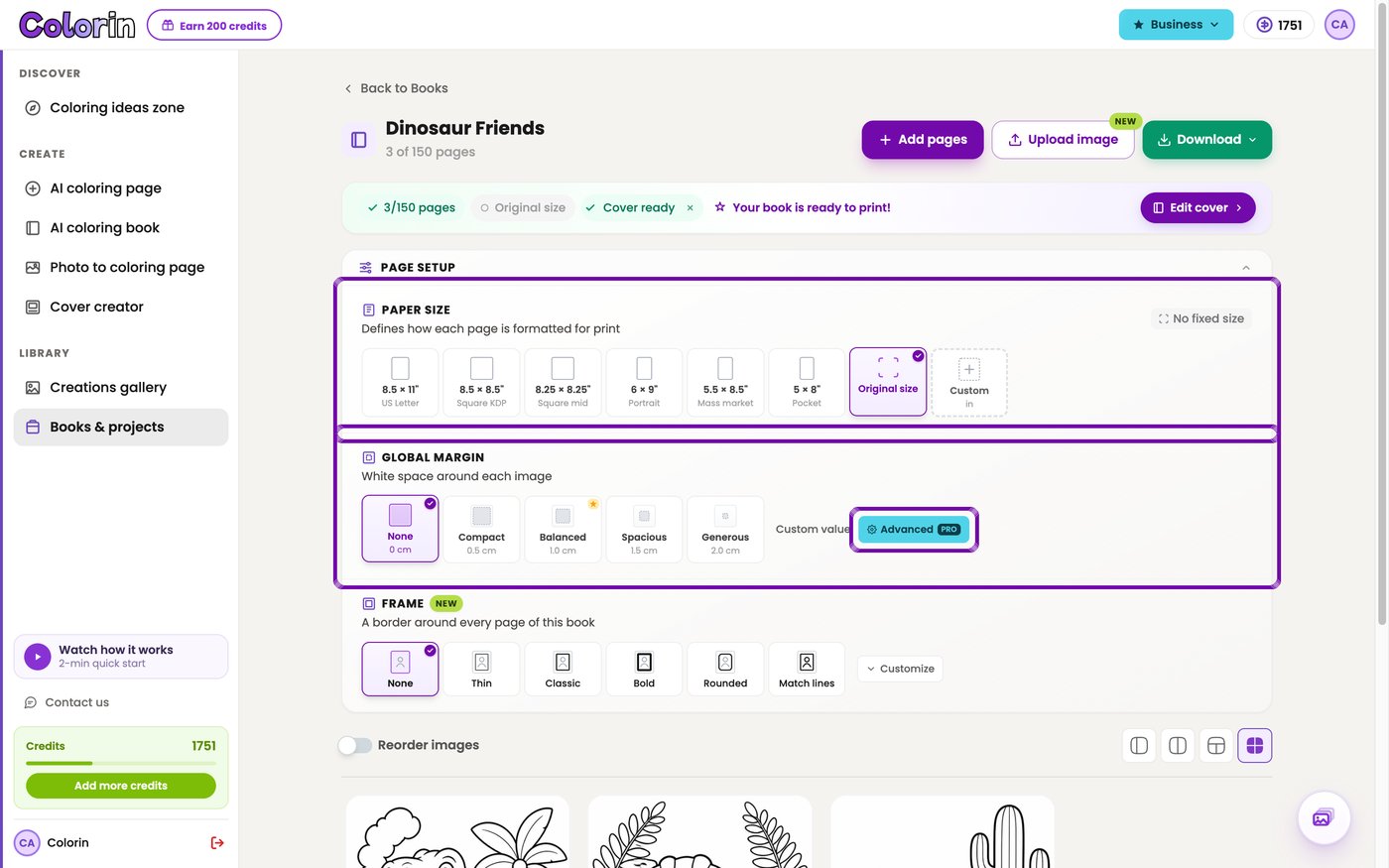
Open the book in Books & projects. In Page setup, pick the paper size your plan includes and a Global margin, the white space around each page.
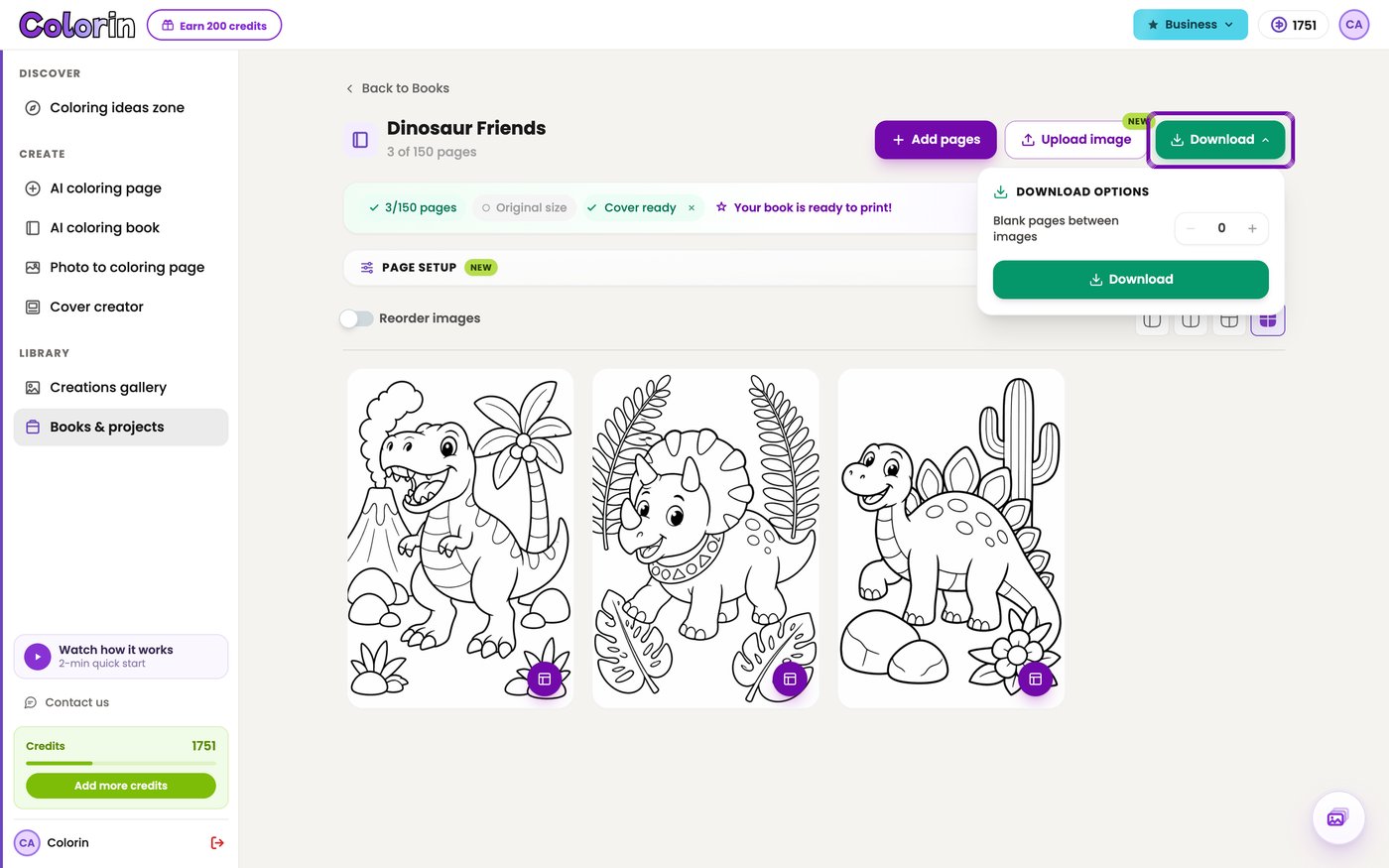
Then press the green Download button at the top of the book, and Download again in the panel. The PDF has every page in order, in that paper size.
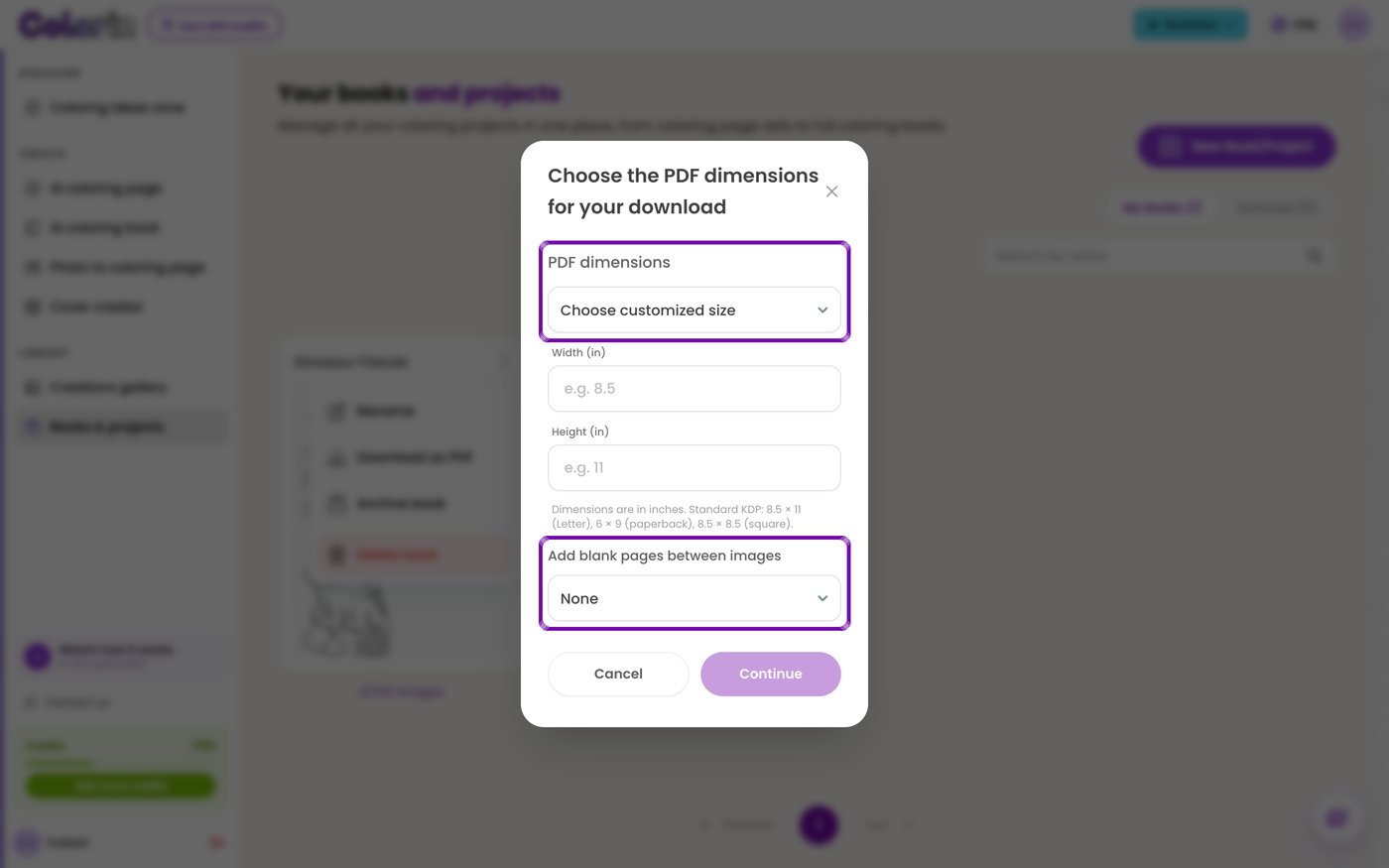
If you skip Page setup, the download asks for a size in PDF dimensions. Your plan sets which of the Amazon KDP sizes in that list you can pick, and the coloring book dimensions guide matches each size to its use.
Advanced AI Automation Strategies
Seasonal Production Strategy
A holiday book goes up three to five months before the date. To plan which ones to publish and when, use the Q4 KDP niches guide.
Platform Optimization
- Amazon KDP: one PDF in a trim size from the KDP print options.
- Etsy: a size of your own in inches, in Choose customized size, if your plan includes it.
- Markers: set Blank pages between images to 1, so the back of each page stays empty when ink soaks through the paper.
For the upload, follow the steps to publish a coloring book on Amazon KDP.
One Character on Every Page
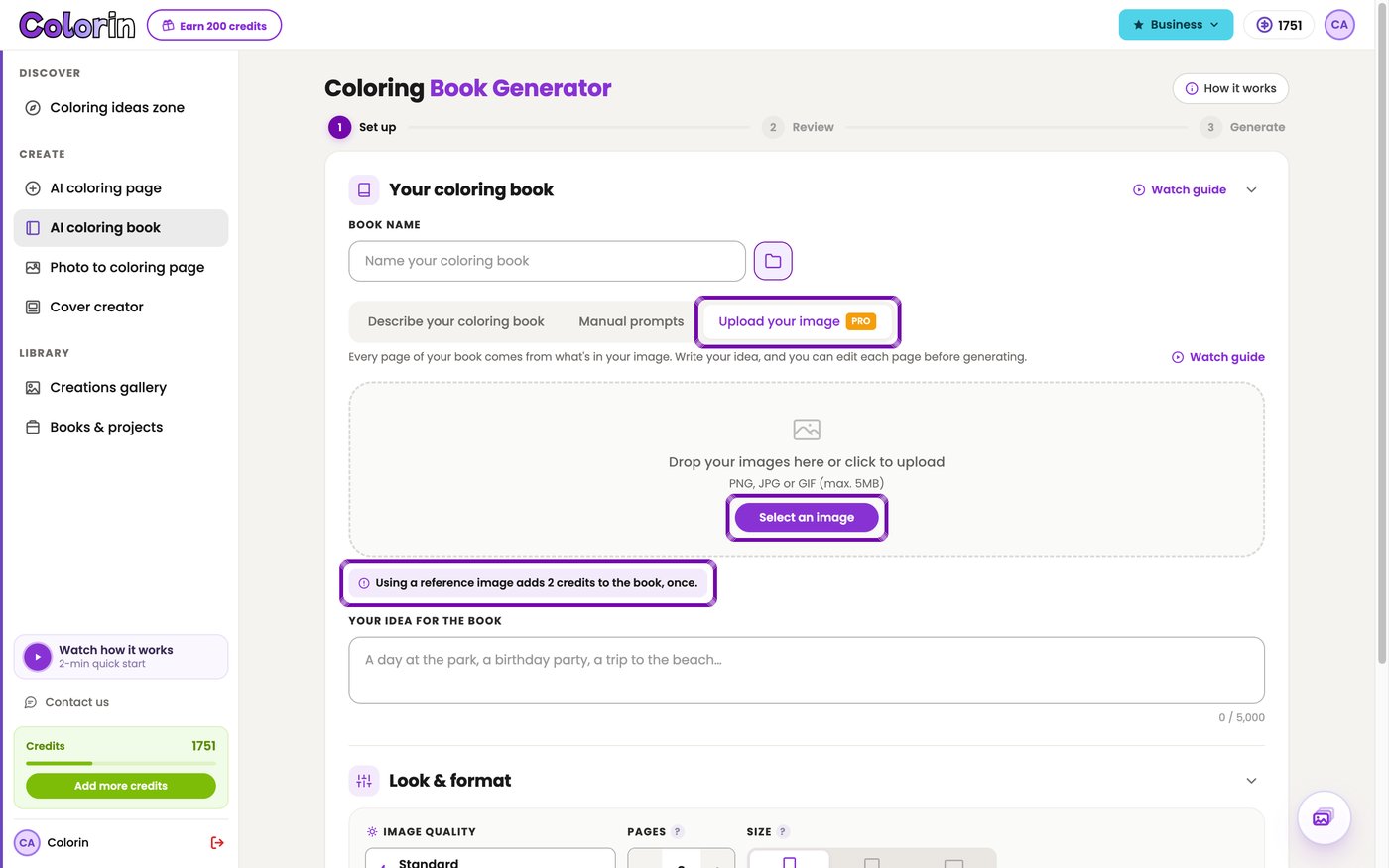
If your plan includes it, the Upload your image tab builds every page from a character you upload. Your idea for the book sets the scenes, and the pages take the look of your image. The image adds 2 credits to each batch in Standard and 4 in Premium.
Scaling Your Coloring Book Business
- Printable sets: book pages also appear in your Creations gallery, so Add pages can gather some into an Etsy set without generating them again.
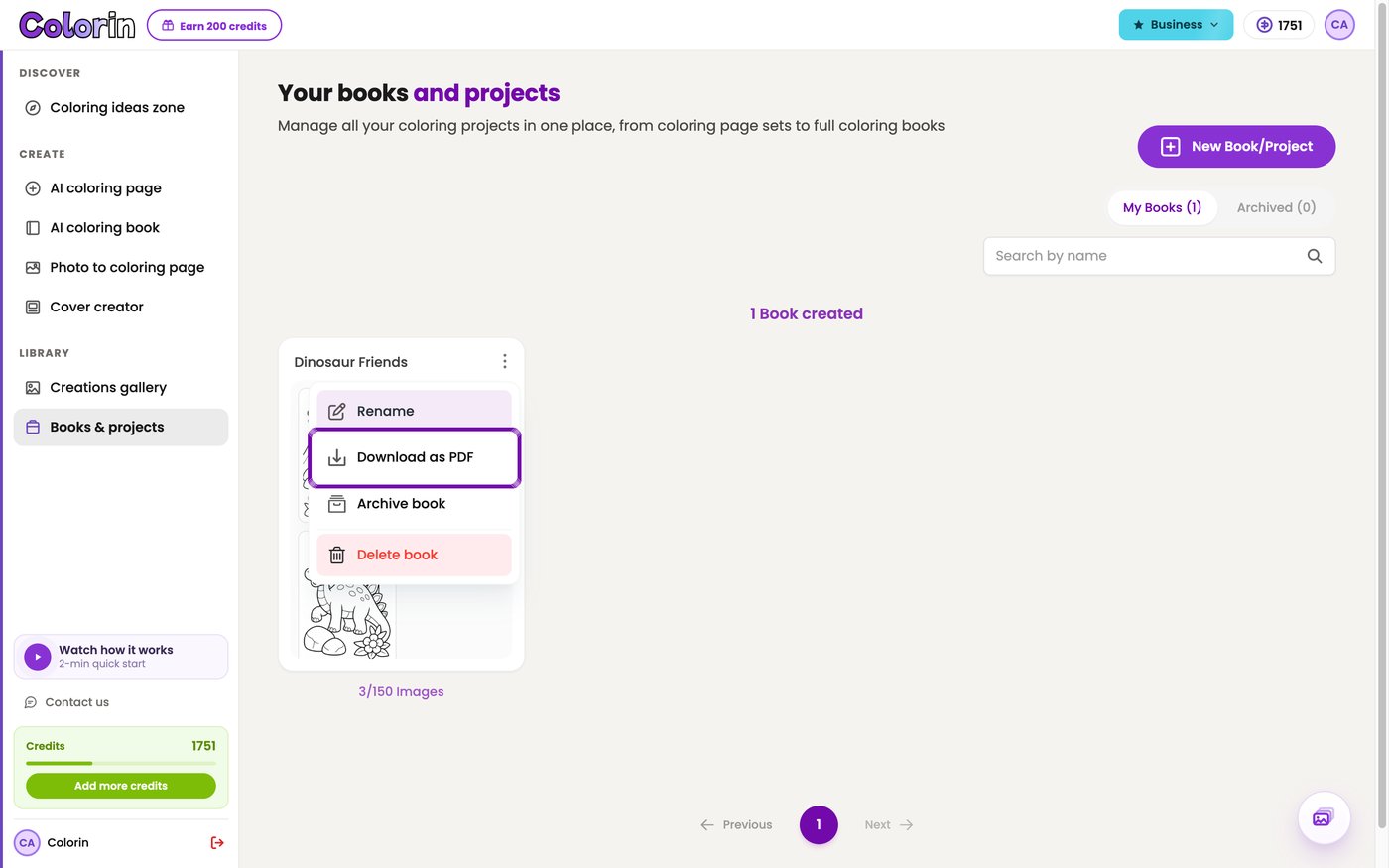
Download as PDF, in the three-dot menu of each book, downloads the book without opening it.
Bulk Creation Tips for a Consistent Book
- Give each idea one scene with a few large elements. Every page then has big areas to color.
- Use original characters. The content filter keeps out branded ones like Disney or Marvel.
- For a title or a name, press Open in Canvas on that page and use the text tool.
Getting Started with Bulk Creation Today
A batch takes care of the pages. For the niche and the price, follow the full plan to make a coloring book to sell.
For the cover and the listing, follow the steps to make a coloring book with AI.
Start with 15 pages and add the rest of the book batch by batch, as far as your plan allows. Build the first 15 pages of your book in one batch.
FAQs: Bulk Coloring Book Creator & AI Automation
What is a bulk coloring book creator?
A bulk coloring book creator generates the pages of a coloring book in one batch, from one description or a list of ideas. In Colorin AI it also writes the idea for each page and places the pages in a book.
Do I need design skills to use AI coloring book automation?
No. You type what the book is about, and Colorin writes the idea for each page. You can change any idea before the pages are generated.
What's the best way to monetize bulk coloring books?
Sell each book where its buyers shop. Amazon KDP takes paperbacks, and Etsy sells printable PDFs. Everything you generate in Colorin AI comes with a commercial license and no royalties.