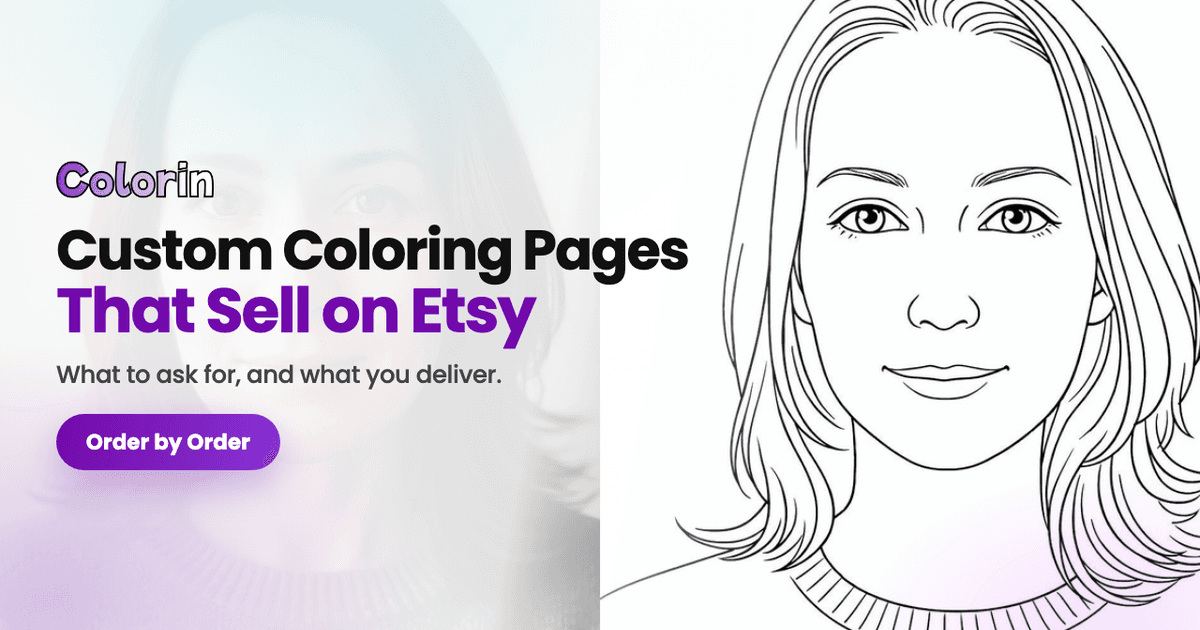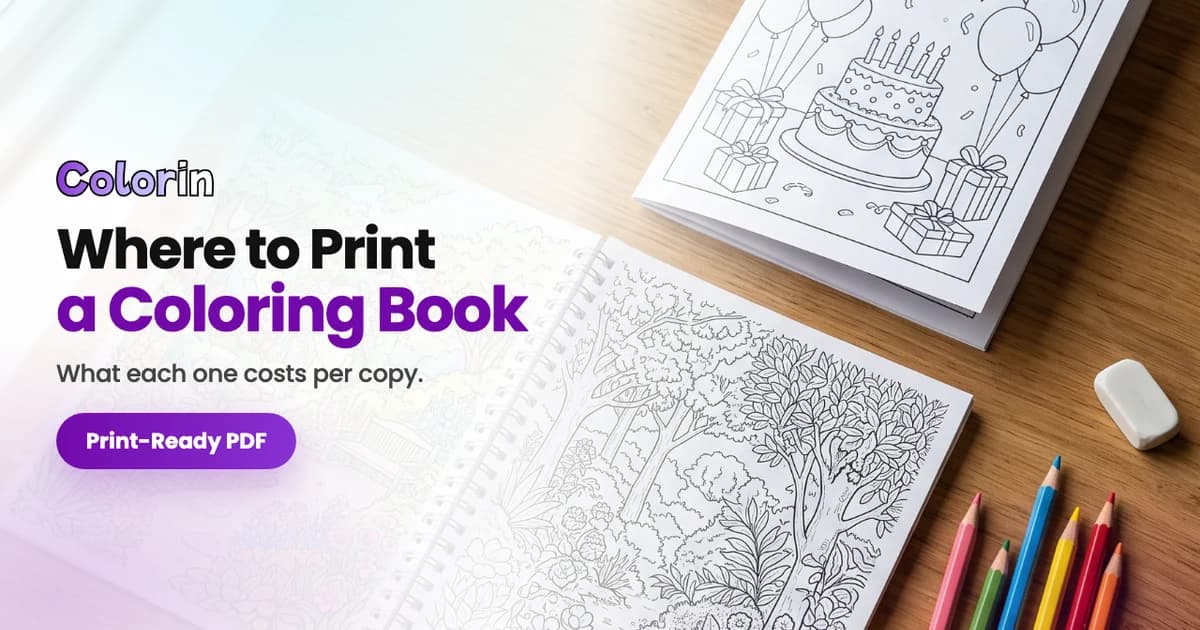
A coloring book party favor is a stapled booklet with the guest of honor on every page. You convert two or three photos into coloring pages in Colorin AI, generate the rest with that person as the character, add a cover, download the PDF in half letter, and print one per guest. A five page book with the birthday kid on every page took three minutes and 34 credits on September 9, 2026.
What Goes on the Pages of a Party Favor Coloring Book?
The person the party is for, on every page. That is what separates a favor from a coloring book bought in a pack.
Two kinds of pages fill your book: your photos of the event turned into coloring pages, and pages you generate from a short idea with the same person as the character. That is how three photos become a twelve page book. The three cases that come up most:
| The event | Photo 1 | Photo 2 | Photo 3 |
|---|---|---|---|
| A wedding | The couple together | Each of them, face on | The bouquet, the cake, or the venue |
| A kid's birthday | The kid, face on, well lit | The kid with a pet or a favorite toy | The party scene with the cake |
| A family gathering | Everyone together | The grandparents | The house or the place you always go |
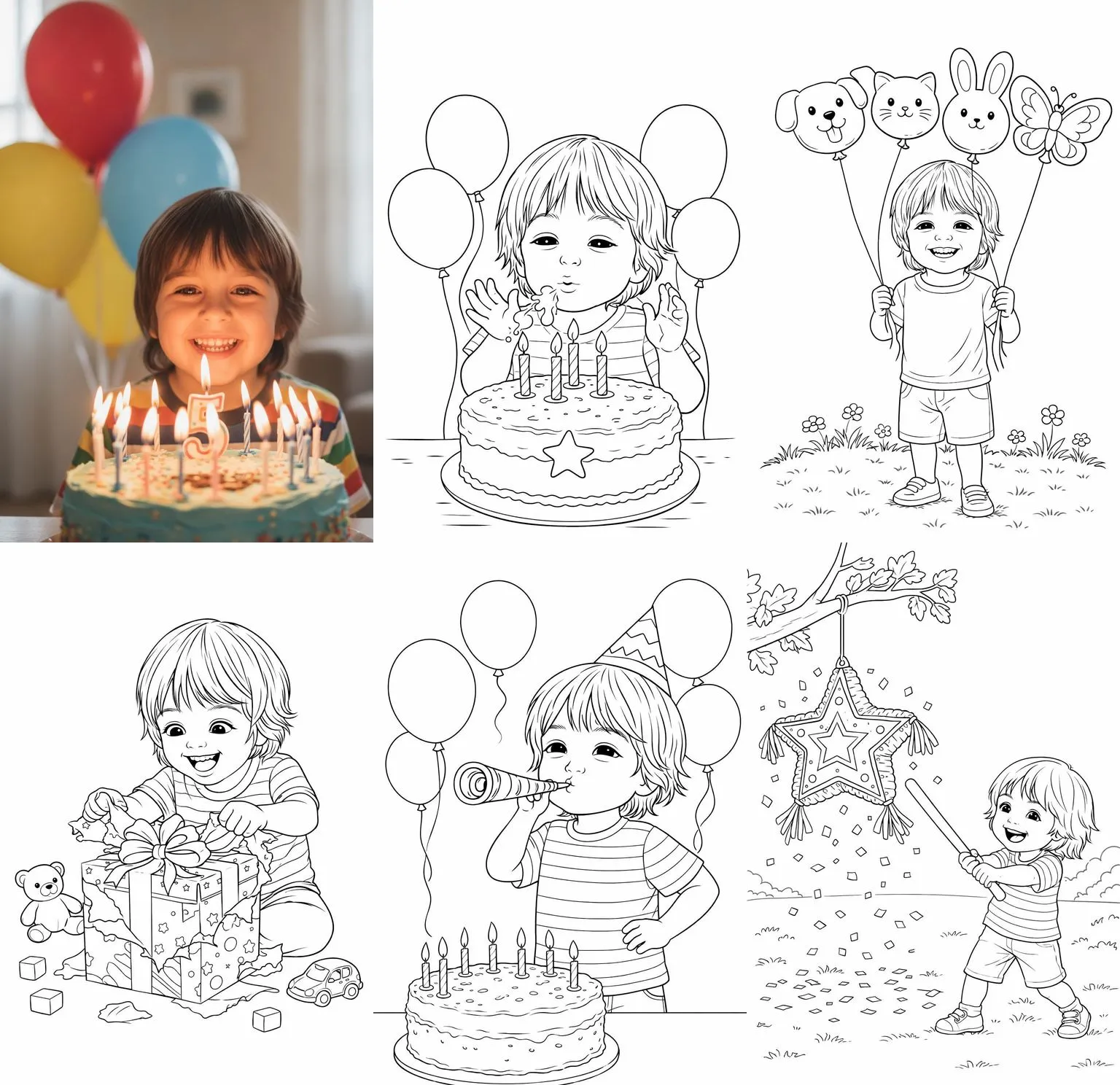
One photo of the birthday kid, and the five pages the book made with him as the character. Three minutes, 34 credits.
How Do You Make the Booklet in Colorin AI?
- Pick two or three photos of the event. Which ones convert best is in the full guide linked below.
- Convert each photo. Under Create, open Photo to coloring page, upload the photo, choose a style and a size, and press Generate. Each one lands in your gallery.
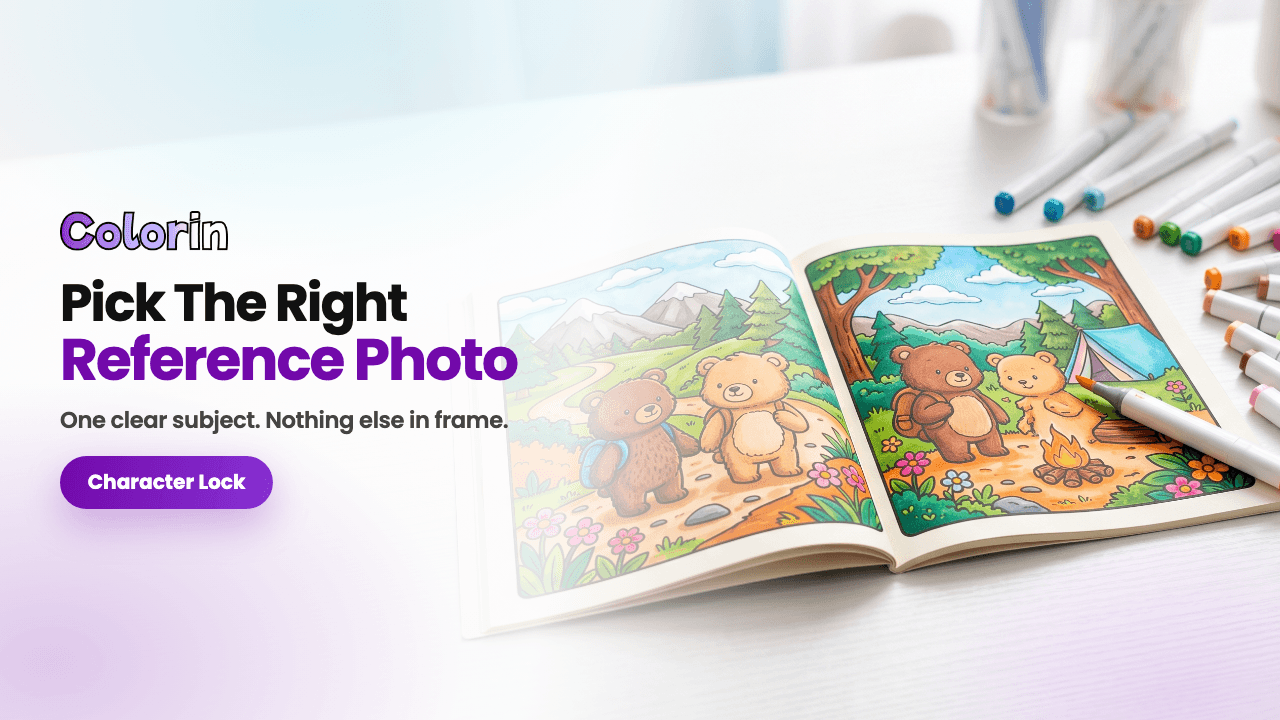
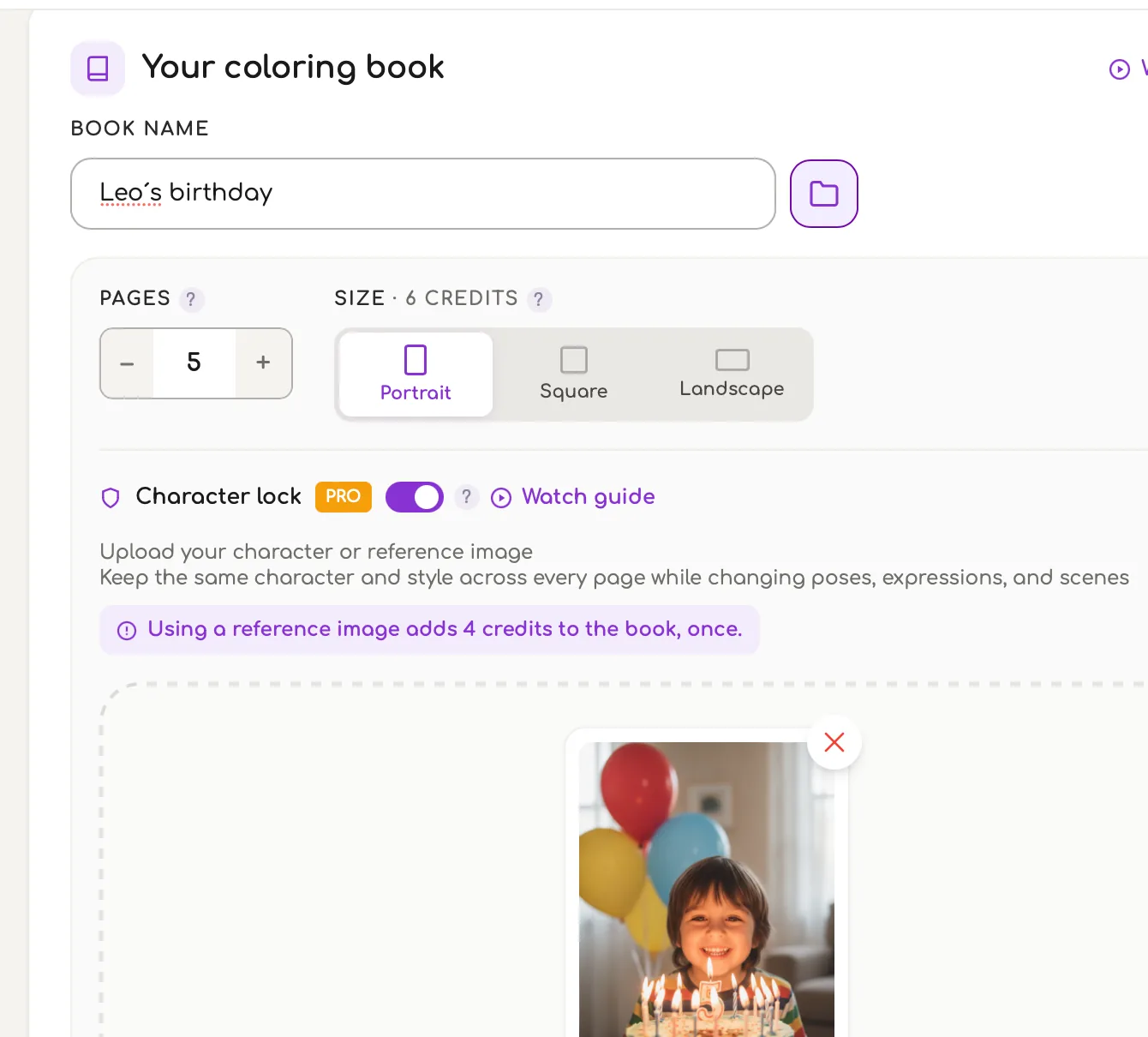
- Build the rest of the book with the same person. Open Your coloring book and name it. Switch on Character lock, the switch that keeps the same person on every page, and upload your reference image. The reference sets the character and the style of every page, so upload the page whose look you want the booklet to have. Then write one idea per line: a kid blowing out the candles on a birthday cake. Write who the person is, not their name.
- Generate. All the pages come out together with the character and the style of the reference image, the same face and the same hair on every one. Five pages with a reference photo took three minutes and 34 credits: six per page and four, once, for the photo.
- Add the converted photos to the same book with Add to a Book, from the gallery.
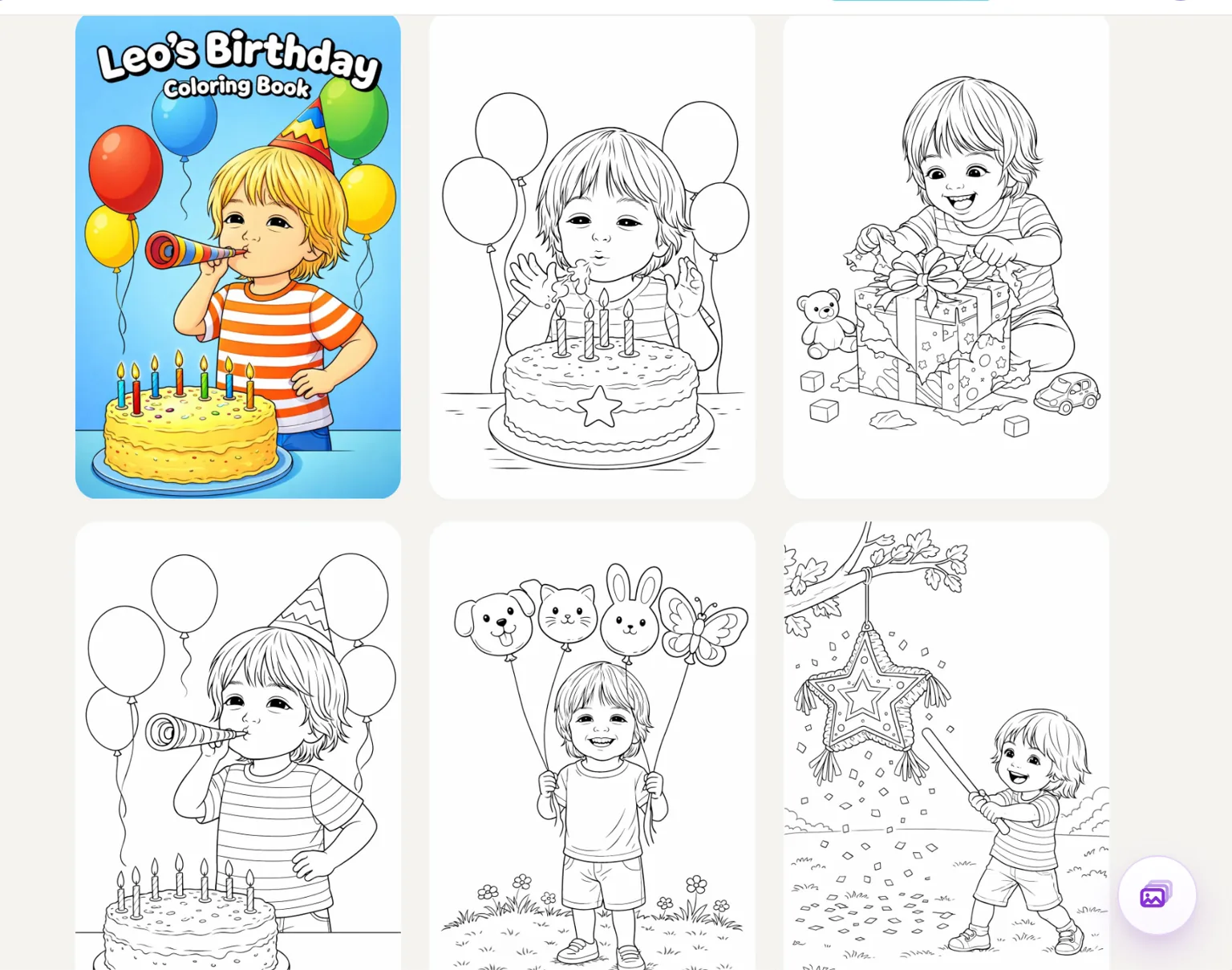
- Make the cover. In Colorin's own Cover creator, write the title, for example Leo's Birthday Coloring Book, and link it to the book. Size and page count adjust on their own.
- Download the PDF in the booklet size and print one per guest.
The book screen: Character lock on, the photo as the reference, five pages in Portrait.
What Size and How Many Pages Should a Party Favor Book Have?
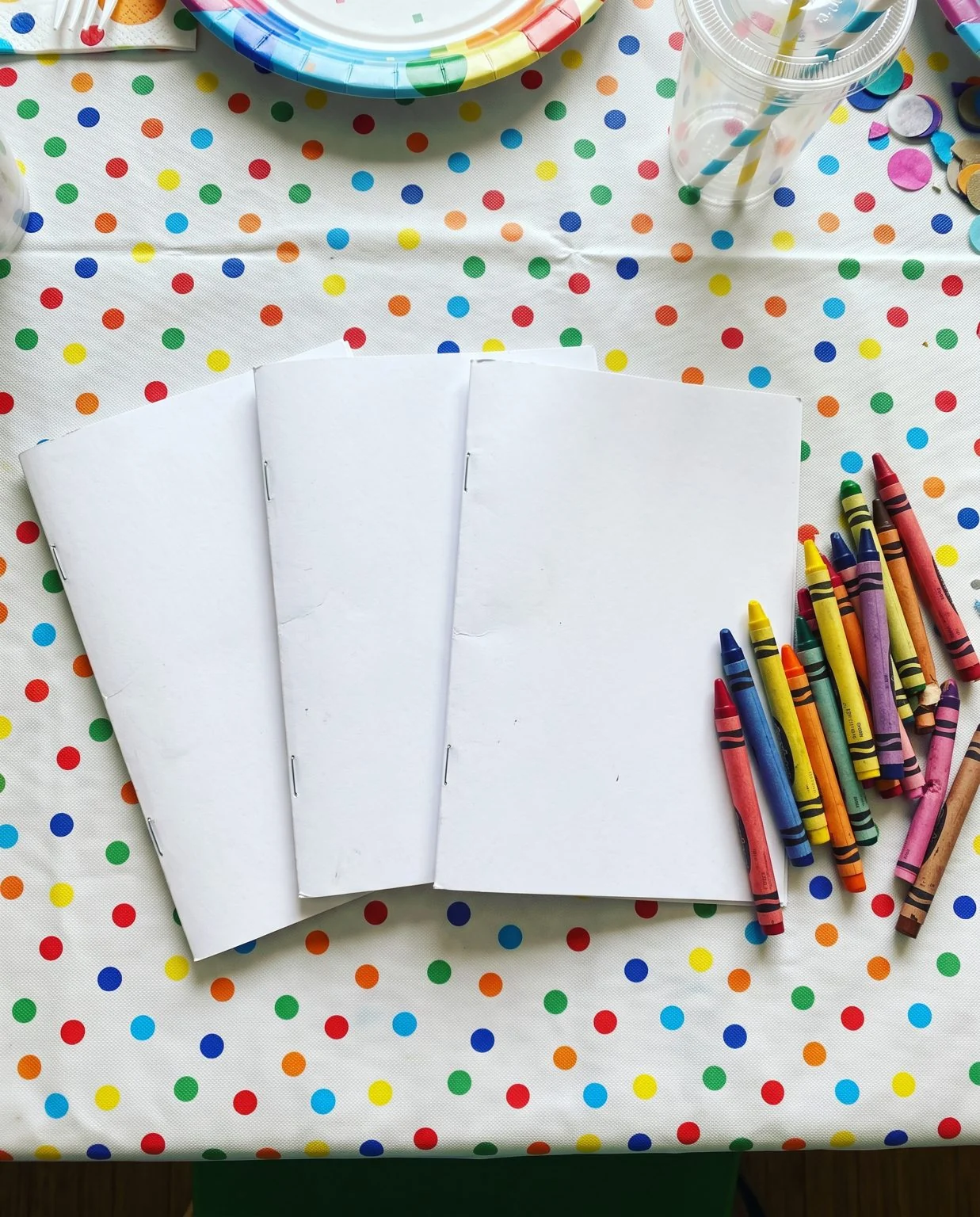
Half letter, 5.5 by 8.5 inches, with eight to twelve pages. Half letter is a letter sheet folded in two, which is why it is the format of stapled booklets. The inside pages go on plain paper and the cover on card stock, the thick paper of a greeting card. Fold them together and staple along the fold. Eight to twelve pages keeps twenty copies quick to print.
Colorin AI downloads a book as a print-ready PDF in the 16 finished page sizes Amazon KDP uses, plus a custom size you type in, with the print margins applied. Half letter is a choice there, not a crop you make afterwards. Where to print twenty copies is its own guide, where to print a custom coloring book.
The finished book in the gallery, cover included.
Which Style Works for a Kids' Party and Which for Adults?
In a Character lock book the style comes from the reference image, not from the style list. Whatever you upload sets the look of every page, so the picture you choose is the decision you are making.
That changes the order of the work. Generate a page first, look at it, and keep going until one comes back in a style you would want across the whole booklet. Then upload that page as your reference. Kawaii and Cartoons give a four year old large open areas to fill with a crayon; Intricate and Zentangle give an adult at a wedding table the detail to sit with. You pick the one you want by picking the page you upload.
Pages you convert one by one work the other way round: there you choose the style from the list, so a wedding page can go through Intricate and join the book afterwards.
The same wedding photo in Kawaii gives the kids’ table a version they can finish; in Minimalist it is the adults’ table.
The wedding photo in Minimalist, square size: the version for the adults’ table.
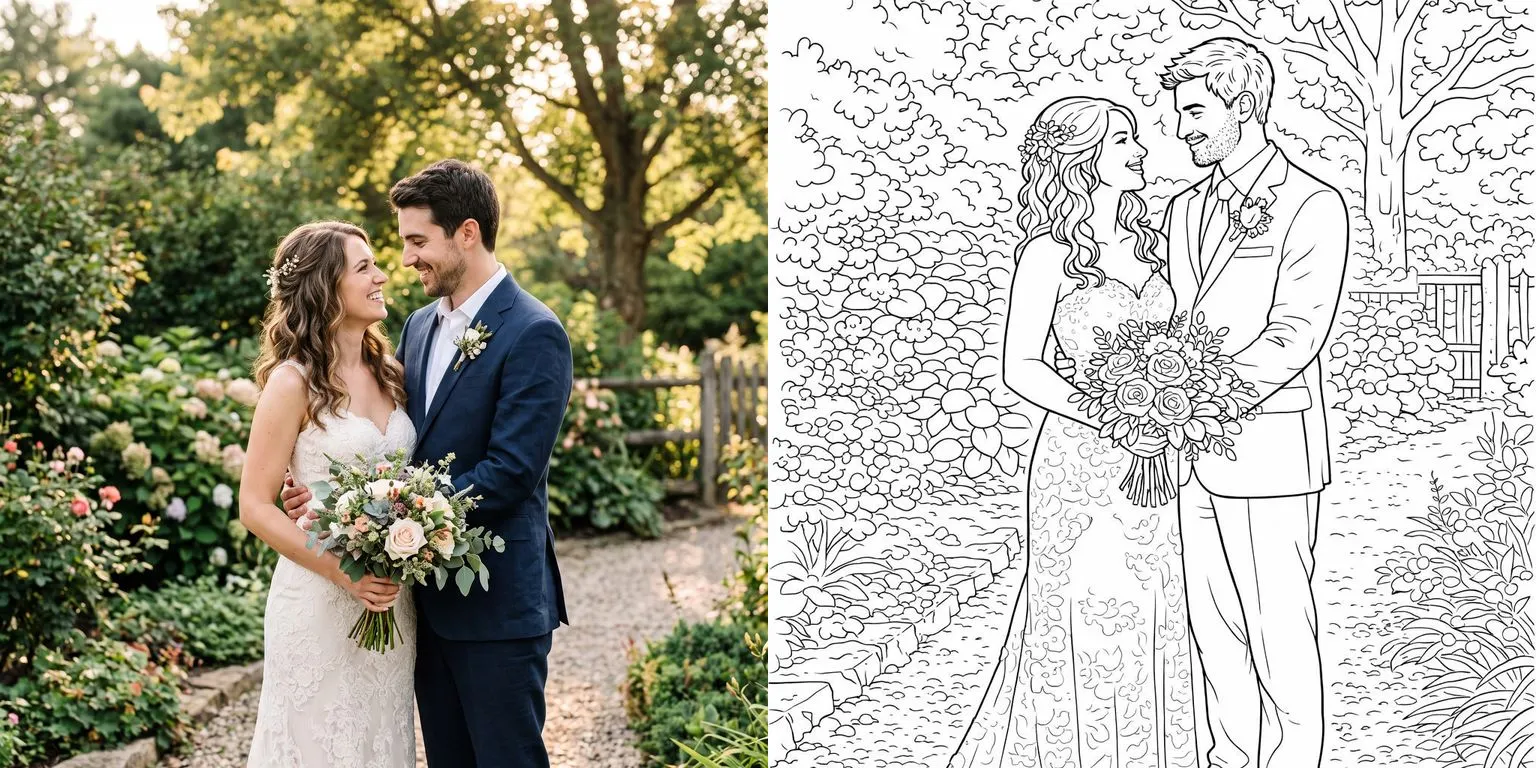
Which photo converts cleanly, what the background does to the page and how to fix one corner decide how the booklet looks. All of that is in the full guide on how to turn a photo into a coloring page. Read that first if your photos are dark or busy.
Can You Sell Coloring Book Party Favors?
Yes. The commercial license is yours, with no royalty share and no attribution. A booklet you make this way can be sold as a digital file or as a printed favor, and mini coloring book party favors are a listed category on Etsy. The steps above are the production side of the order. The buyer sends photos of their own family. You convert them, generate the rest with their person as the character, add the cover and deliver the PDF.
What makes it a business is that the book repeats: the page ideas are already written, and the next customer only changes the photos. What Etsy and Amazon ask of a book made with AI is in whether you can sell AI generated coloring pages.
Half letter, stapled along the fold, one per guest.
Make a party favor book from three photos, 34 credits for five pages
Frequently Asked Questions
Do I need one book per guest?
No. A party favor is one book generated once and printed many times, so a single book covers the whole party. You build it once, download the PDF, and only the print run repeats.
What if a guest did not send a photo?
Generate their page from an idea you write instead: a guest without a photo still gets a page of the cake, the balloons or the venue.
Do the pages have a watermark?
No. Neither the single pages nor the book PDF carry a watermark on any plan, so your booklet prints exactly as you see it.
Colorin AI is an AI coloring page and coloring book generator built for creators who sell on Amazon KDP and Etsy, with generation from a written prompt or from a photo, character lock for consistency across pages, and print-ready export sized for KDP. Written by Kisbel Blanco.