Whatever you would say out loud. A kitten sleeping in a teacup is a finished coloring page: six words, no technique, no keywords. Colorin AI works out the pose, the framing and the background before it draws, so the part you write is the short part, and the part that usually takes skill is already done.
How Do You Write a Good AI Image Prompt?
You name what you want to see. That is the whole job. The generator turns the rest into a drawing, which is why these come back as finished pages rather than as loose outlines:
- a fox sitting beside a mushroom
- a happy boy holding a kite
- a teapot with flowers on its side
- three balloons above a roof
- a grandmother baking bread
None of them says where the light comes from, how the subject is angled, or what fills the corners of the page. Those are decided for you. If you want to say more, say it about what is already there, such as sleeping, jumping, or smiling, and the page picks it up.
This is what a description of that size turns into. All three are pages from our free gallery, and each one is a plain scene described in a handful of words:
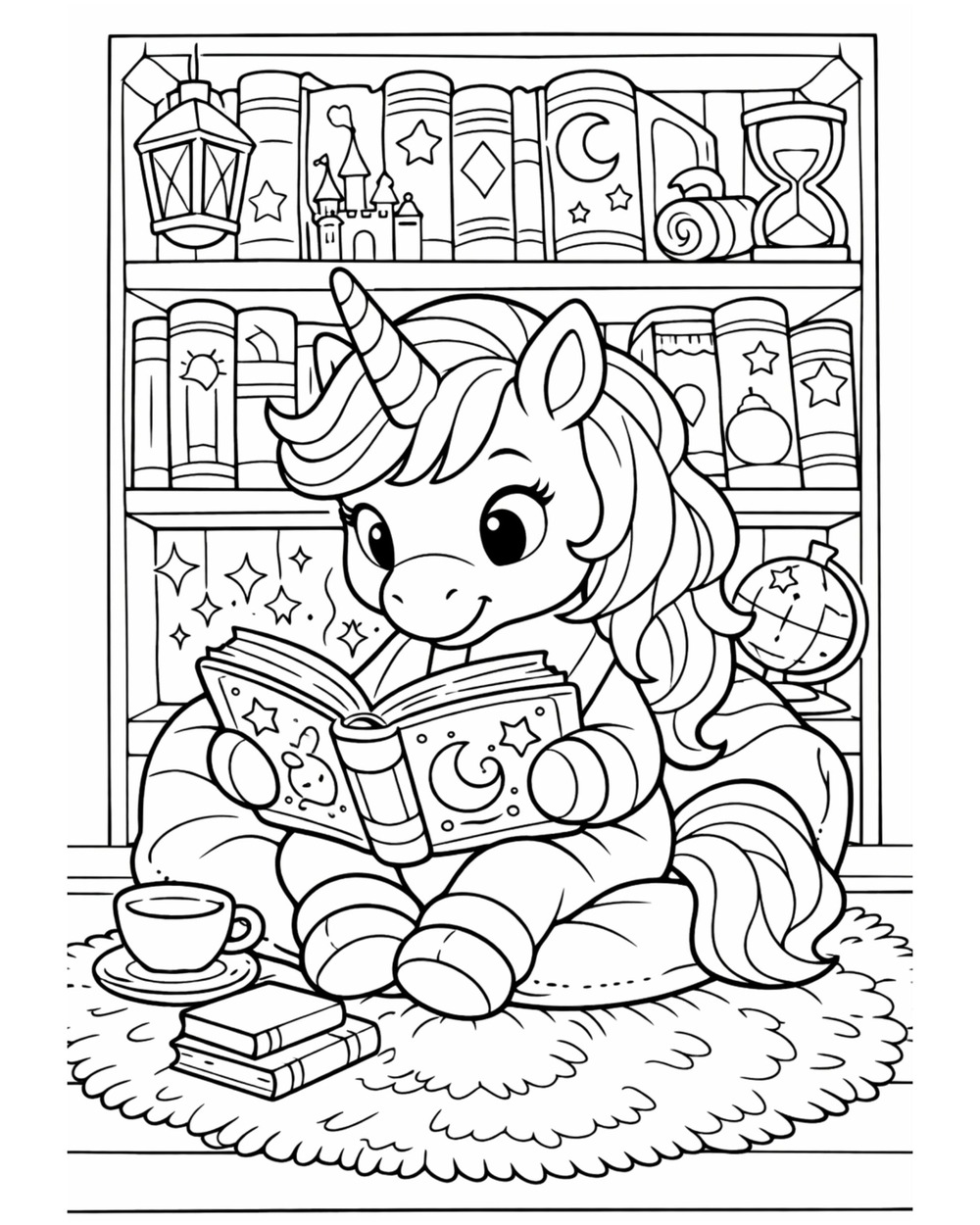 a unicorn reading a book
|
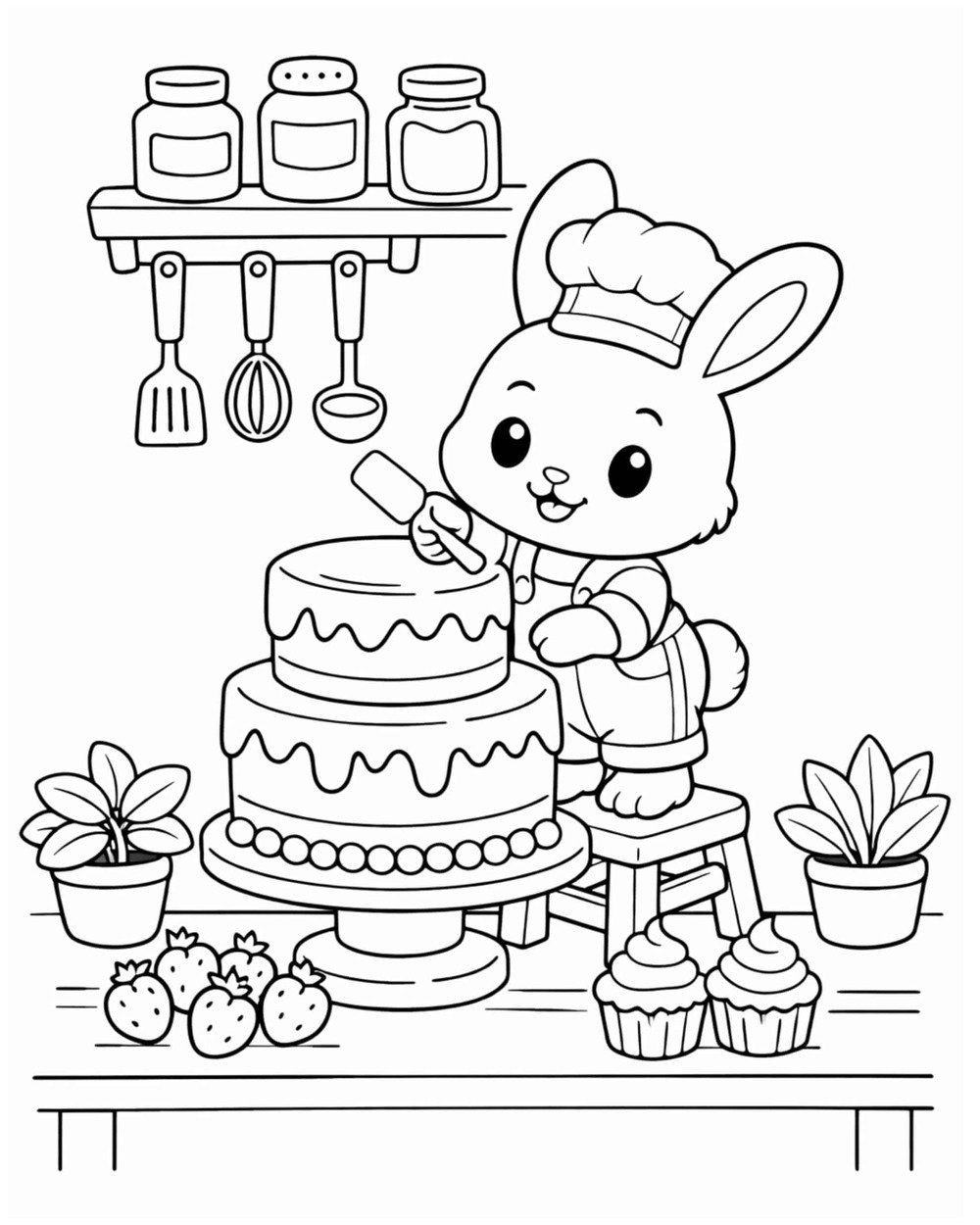 a bunny decorating a cake
|
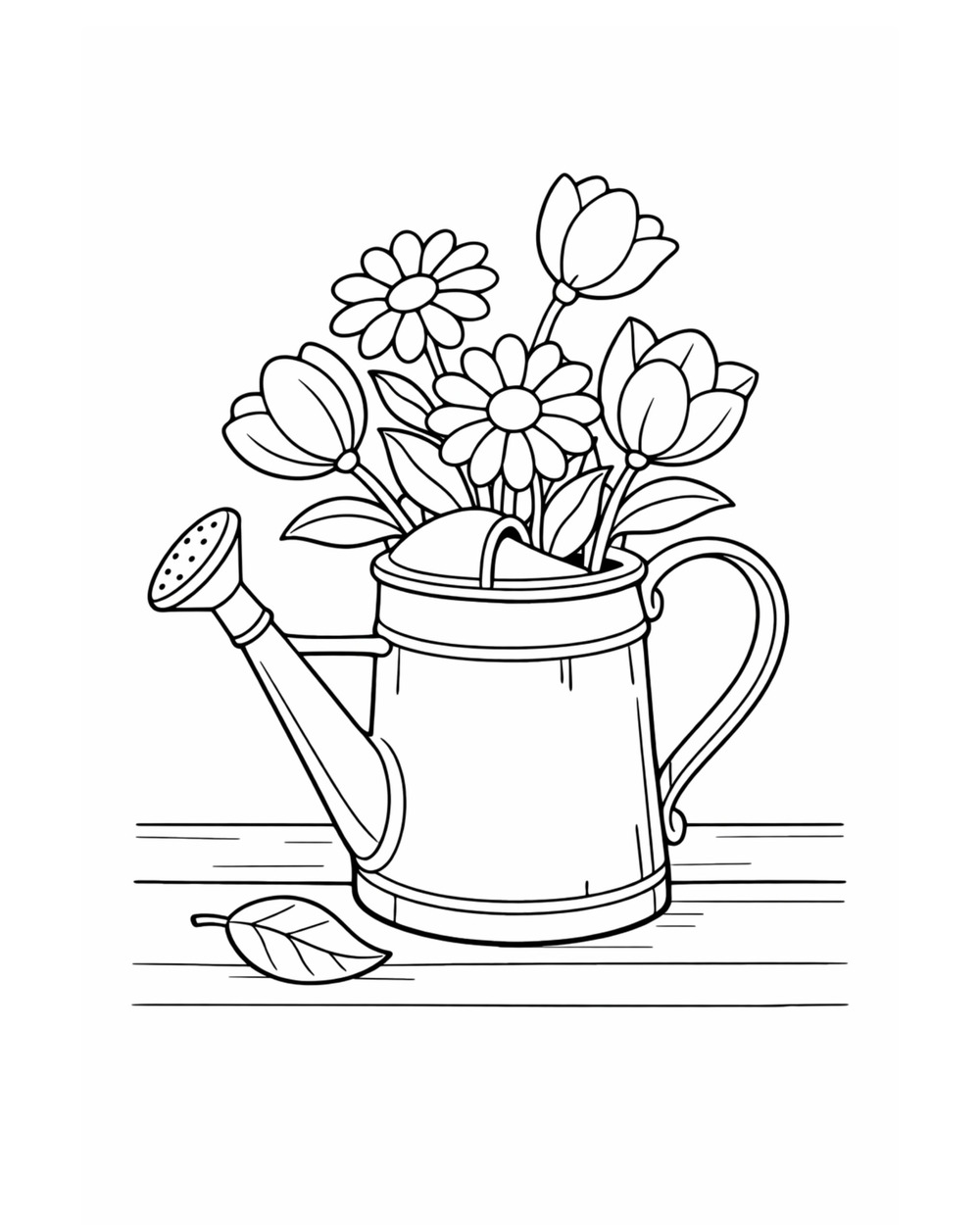 a watering can full of flowers
|
Type six words into the Colorin AI generator and you have a printable page before you have finished reading this. A free account comes with eight pages, so you can see it happen before deciding anything.
What Is the Best Prompt for Coloring Pages?
A short one. We keep the exact written prompt behind eight of our own coloring page sets, seven of them published: motorcycles, airplanes, trucks, trains, music, sugar skulls, ninjas and boats. Every one of them is a single sentence, and not one reads like a specification. They read like somebody describing a picture to a friend.
That matters because of what people expect. Writing for an image tool usually means stacking modifiers, guessing at style words and testing what the model reacts to. Here that work does not exist. AI enhance sits above the idea box, comes switched on, and fills in everything you left out before the drawing starts. Your six words go in and a complete scene comes out.
Leave it on and you never think about prompts again. There is one reason to switch it off: with enhance off, your sentence goes through exactly as typed and nothing is added to it, which is what you want when a whole set has to repeat the same wording page after page.
How Long Should an AI Prompt Be?
One sentence. Longer is not more accurate, and there is one reason to stay short that has nothing to do with the generator: a sheet of paper holds what it holds.
Every object you name takes room from every other object, so a page with a kitten, a castle, a river and a hot air balloon gives a child four small shapes instead of one big one. Detail that describes what is already there costs no space at all. A kitten is one kitten whether or not it is asleep, and whether or not the teacup sits on a lace doily.
So the rule of thumb is the opposite of the one most tools teach you. Fewer elements, said plainly, and let the app do the rest.
Do You Need a New Prompt for Every Page of a Book?
No, and this is where the writing stops being a task at all. A whole book comes from a list: you type your page ideas one per line in the book generator, and every page is drawn together in the same style, so the set reads as one book instead of a folder of unrelated drawings.
Two more parts of that are handled for you rather than by you:
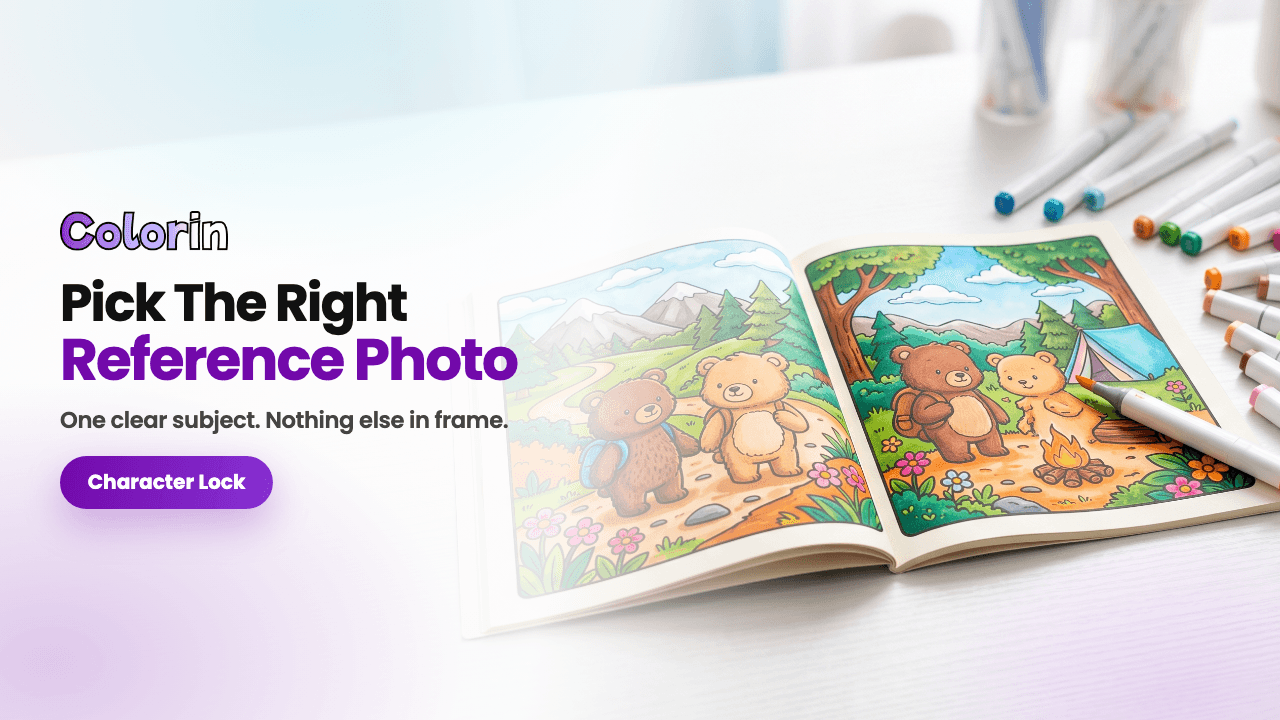
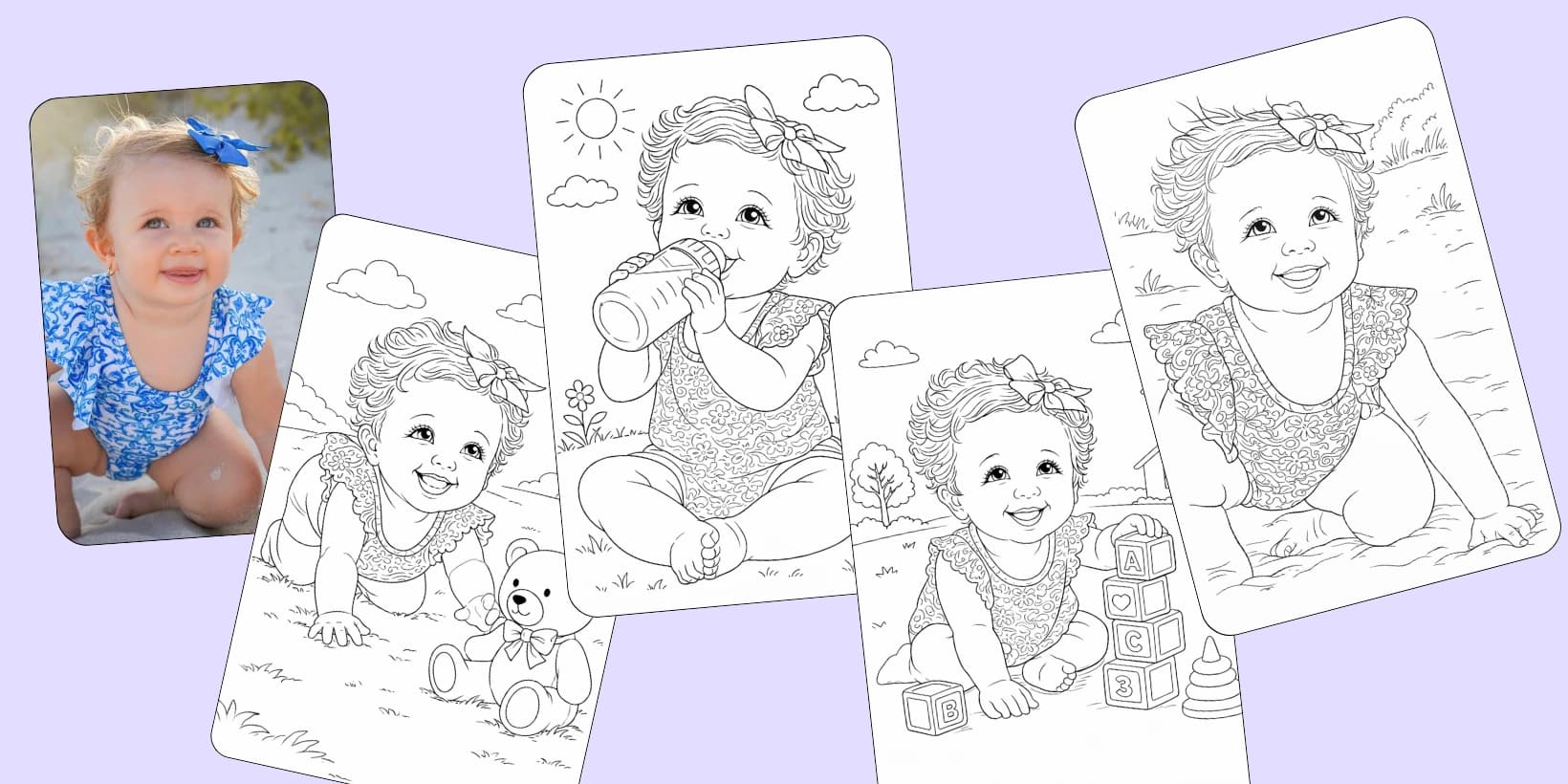
- The character stays the same. Upload or create one once with character lock, and the same face turns up page after page while the pose, the gesture and the scene change.
- Every page keeps its own sentence. Open one in your gallery and the panel beside it shows Idea text, with Copy Idea and Generate again. Nothing depends on you keeping notes.
The file is not your job either. A finished book exports as one PDF in Amazon KDP's page sizes with the print margins already applied, and a cover you add takes its size and its page count from the book it belongs to. Nothing there asks you to measure anything.
What is left for you is the fun half: deciding what happens on each page.
Where Does the Prompt Fit in Making a Coloring Page?
The sentence is one of three choices on the same screen, along with the art style and the page size, and each style shows the same elephant drawn that way so you pick by looking. Our guide on how to make coloring pages walks through the whole run, from the first sentence to a page coming out of your printer.
Frequently Asked Questions
Do I need to learn prompt engineering?
No. Six plain words are a page. AI enhance is on by default and fills in the pose, the framing and the setting, which is the part that takes practice in other tools.
Should I put the art style in the prompt?
No need. The style is its own choice on the same screen and each option shows the same elephant drawn that way, so you pick the look by looking at it.
Can I put a word or a name on the page?
Yes. Give the exact phrase and it comes back as outlined letters, ready to color like the rest of the drawing. If the word is the point, with the picture wrapped around it, pick Words and names from the row of page types above the idea box instead.
What if the page is missing something I wanted?
You change it on the page itself instead of rewriting anything. The editor has a brush, a pencil and text, and none of those cost credits. If you would rather have the AI redo one spot, paint over that spot with Fix area, say what goes there, and only that part is drawn again.
Can I use the same idea for a whole set?
Yes. Copy the sentence from Idea text, change only the scene, and the pages come back as siblings. In a book, the generator does that part for you from your list of ideas.
Colorin AI is an AI coloring page and coloring book generator built for creators who sell on Amazon KDP and Etsy, with generation from a written prompt or from a photo, character lock for consistency across pages, and print-ready export sized for KDP. Written by Kisbel Blanco.