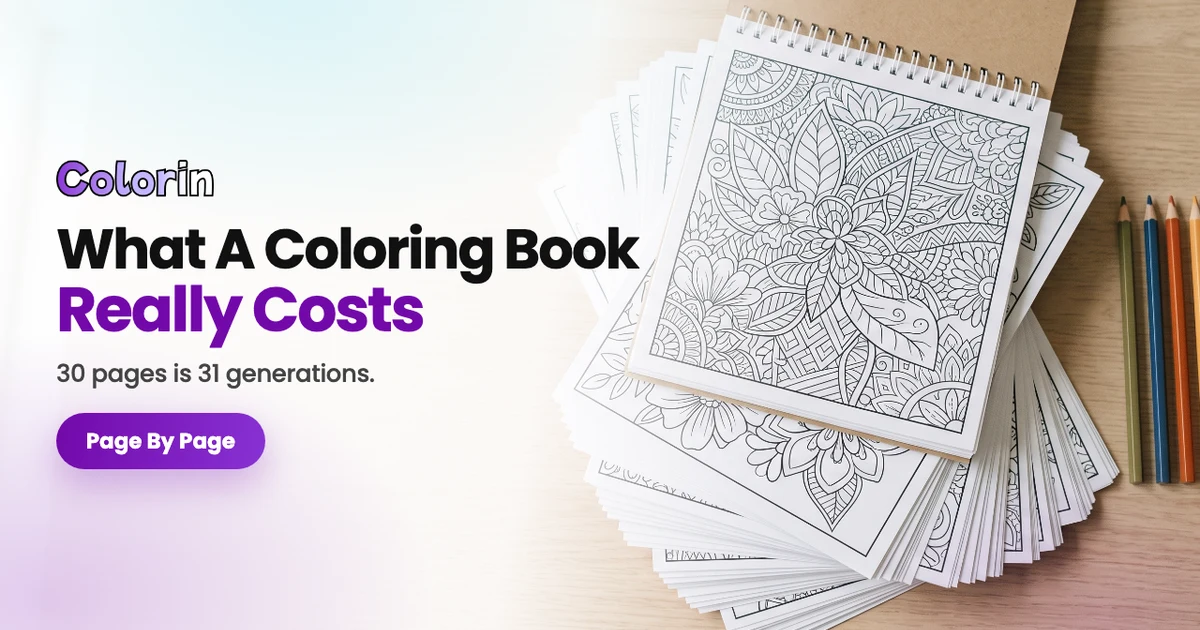
A 24-page coloring book, the shortest paperback Amazon KDP prints, costs 72 credits to generate with Colorin AI in Standard quality or 144 in Premium. Made from one photo of a child or a pet, it comes to 77 to 79 credits in Standard. Printing a black ink copy at 8.5 by 11 inches through KDP adds $2.84.
The cost to create your own coloring book has two parts, the credits and the printing. The credits don't change for a gift, a class set or a book you sell. Every page you make comes with a commercial license.
What Does a Coloring Book Cost to Make?
In Colorin, a 24-page book costs 72 to 158 credits. The quality and the photo set the number.
| A 24-page coloring book | Standard | Premium |
|---|---|---|
| From a description or your own ideas | 72 credits | 144 credits |
| From a photo, all 24 pages at once | 77 credits | 154 credits |
| From a photo, 15 pages and then 9 more | 79 credits | 158 credits |
Every total adds up the same charges:
- Each page: 3 credits in Standard or 6 in Premium.
- The photo: 3 or 6 credits, once, to turn it into a coloring page.
- Your coloring page: 2 or 4 credits each time you generate pages from it.
- Pages at a time: depending on your plan, you make up to 15, 25 or 50 pages at once.
Colorin shows the total under Looks Good before generating.
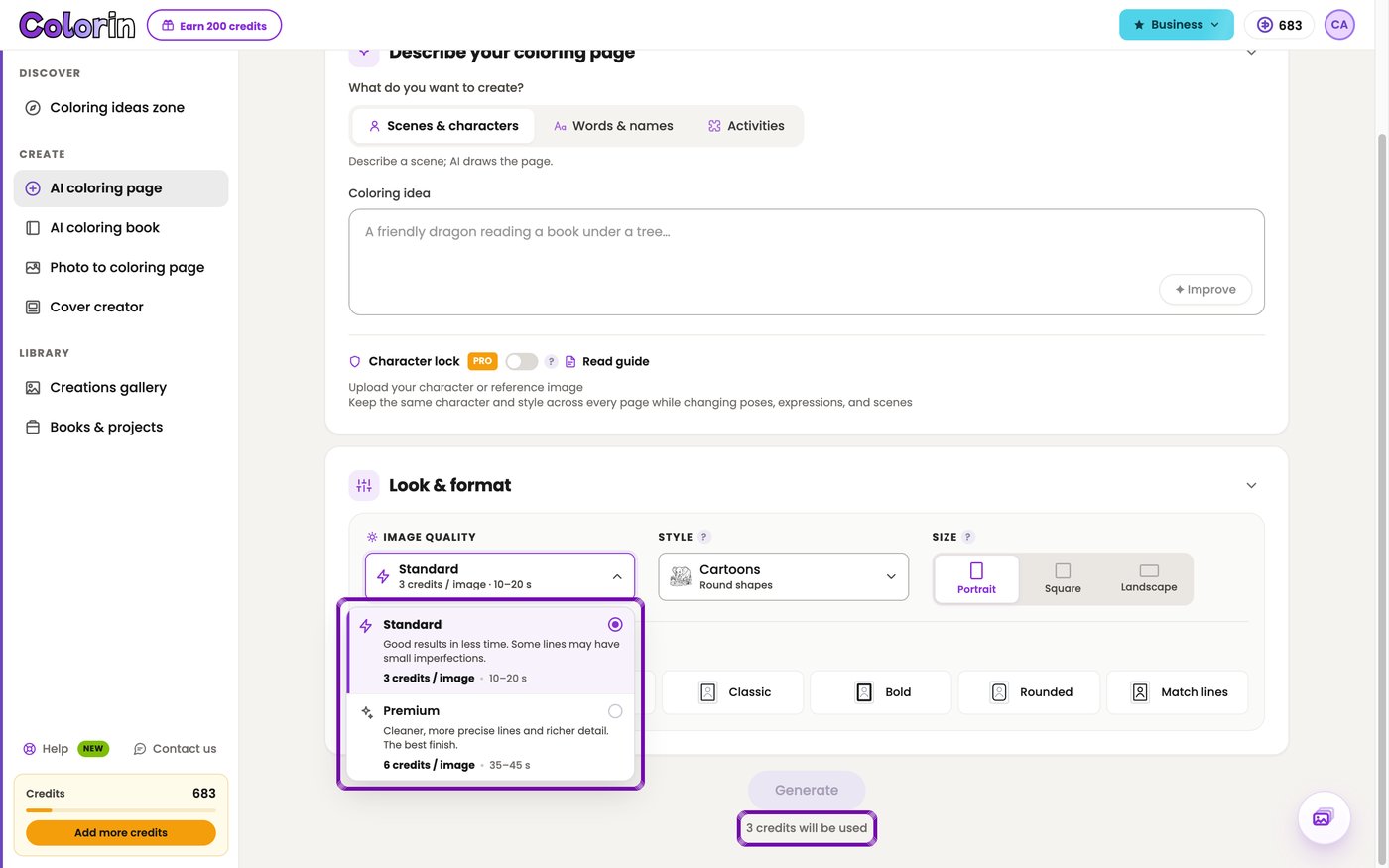
Standard or Premium Quality
Colorin starts on Standard, and Premium doubles every charge in the book.
You pick it under Image quality before you generate.
What changes in Premium:
- Cleaner, more precise lines and richer detail.
- The Intricate and Zentangle styles, which come only in Premium.
- About 35 to 45 seconds per image, against 10 to 20 in Standard.
What a Photo Adds to a Personalized Book
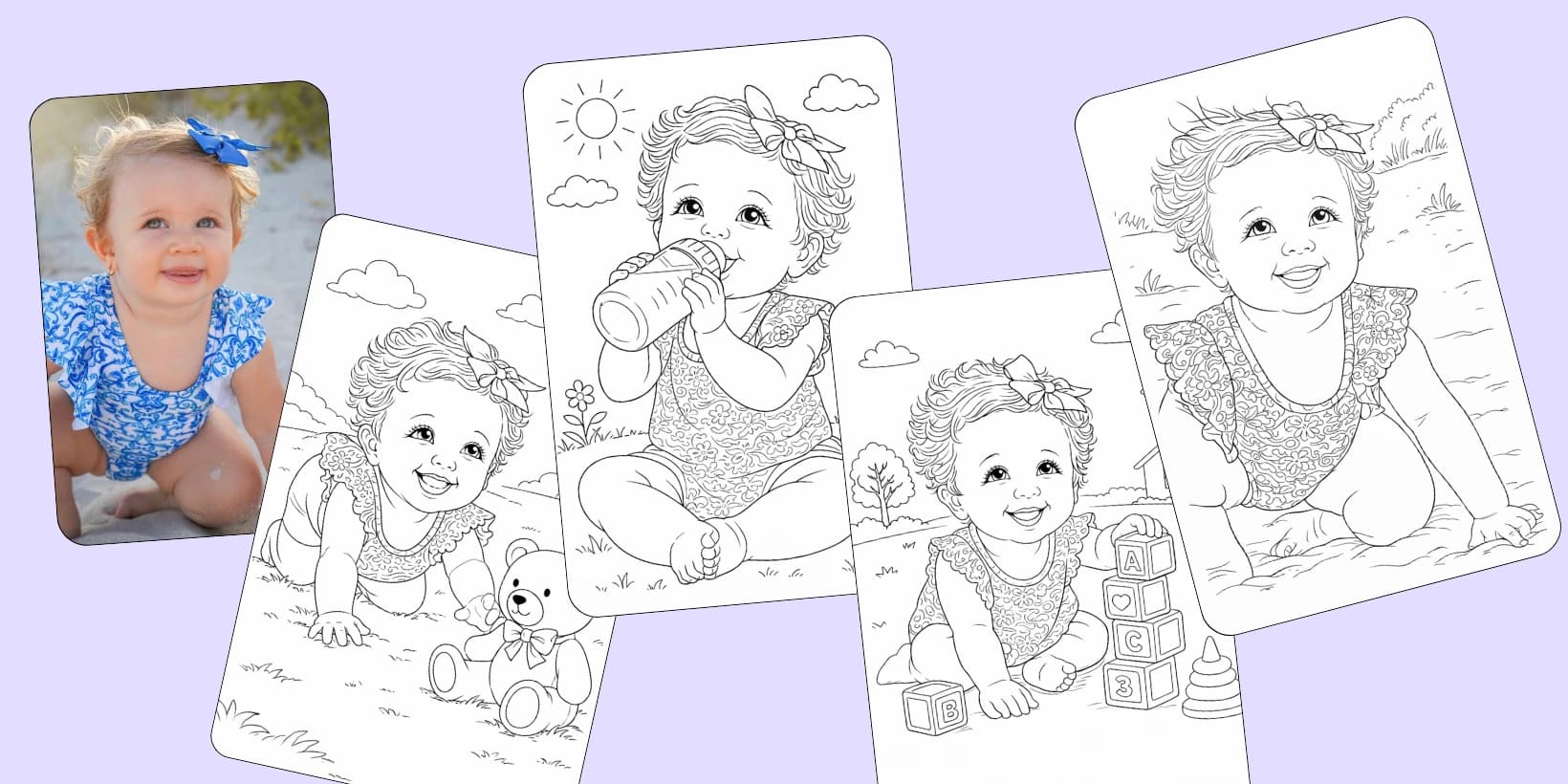
A personalized book starts in Photo to coloring page. You upload the photo, pick the quality and the style, and Colorin turns it into a coloring page.
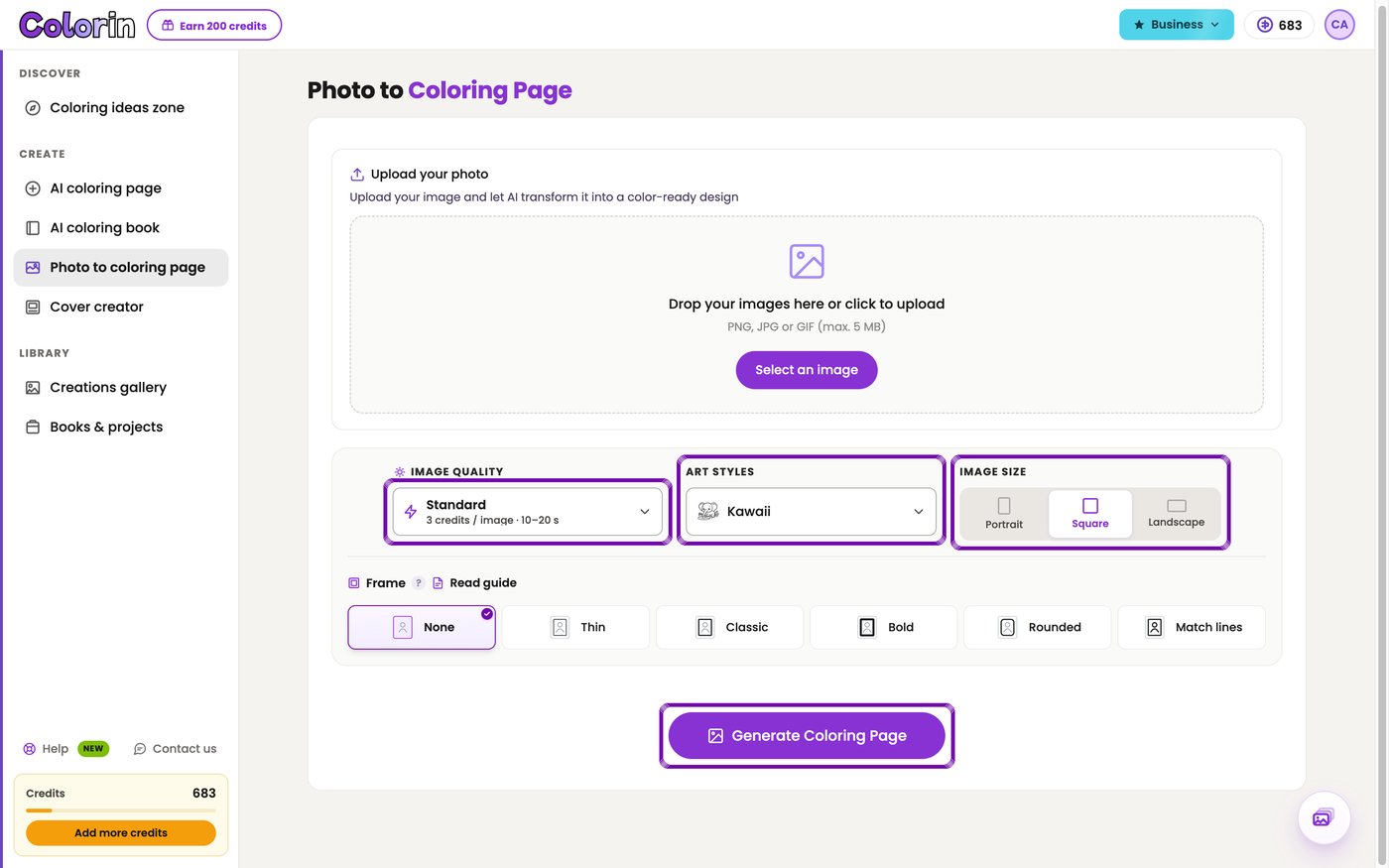
That page costs 3 credits in Standard and sets the style of the whole book. Then you download it and upload it in the Upload your image tab of AI coloring book, because that tab takes a file from your computer.
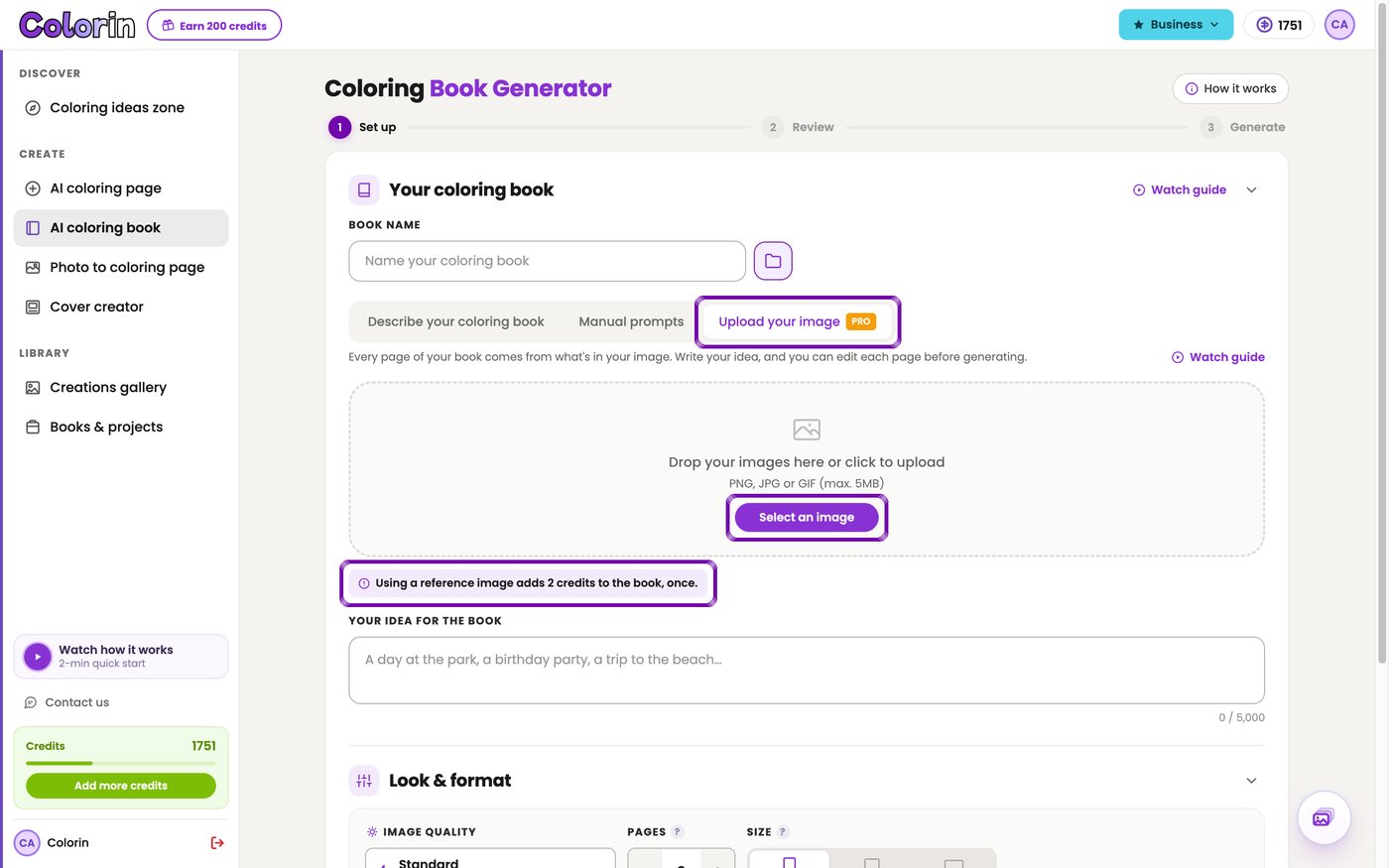
Your coloring page is charged each time you generate pages with it, not once per page. The note under the tab says once: that's once each time. Here's how 24 pages add up in Standard:
- On a plan that makes 25 or 50 pages at a time, the 24 pages come out at once. That's 3 for the photo, 72 for the pages and 2 for your coloring page, or 77.
- On a plan that makes 15 at a time, you generate 15 pages, then 9 more into the book. Your coloring page counts twice, so it's 79.
- You can upload the photo itself and skip the first 3 credits. The Style menu is hidden in that tab, so the book takes its look from the picture you upload.
The tab carries a PRO label because it comes with a subscription.
To compare two styles, turn the photo into a coloring page twice. The second one adds 3 credits in Standard, against 77 to 79 for a second book.
Where the Credits Go
Credits go only to the pages you generate. These steps are part of making the book:
- Writing the idea for the book and typing over the ideas in Review concepts. Credits only come off for the pages made after you press Looks Good.
- Adding pages from your Creations gallery to a book.
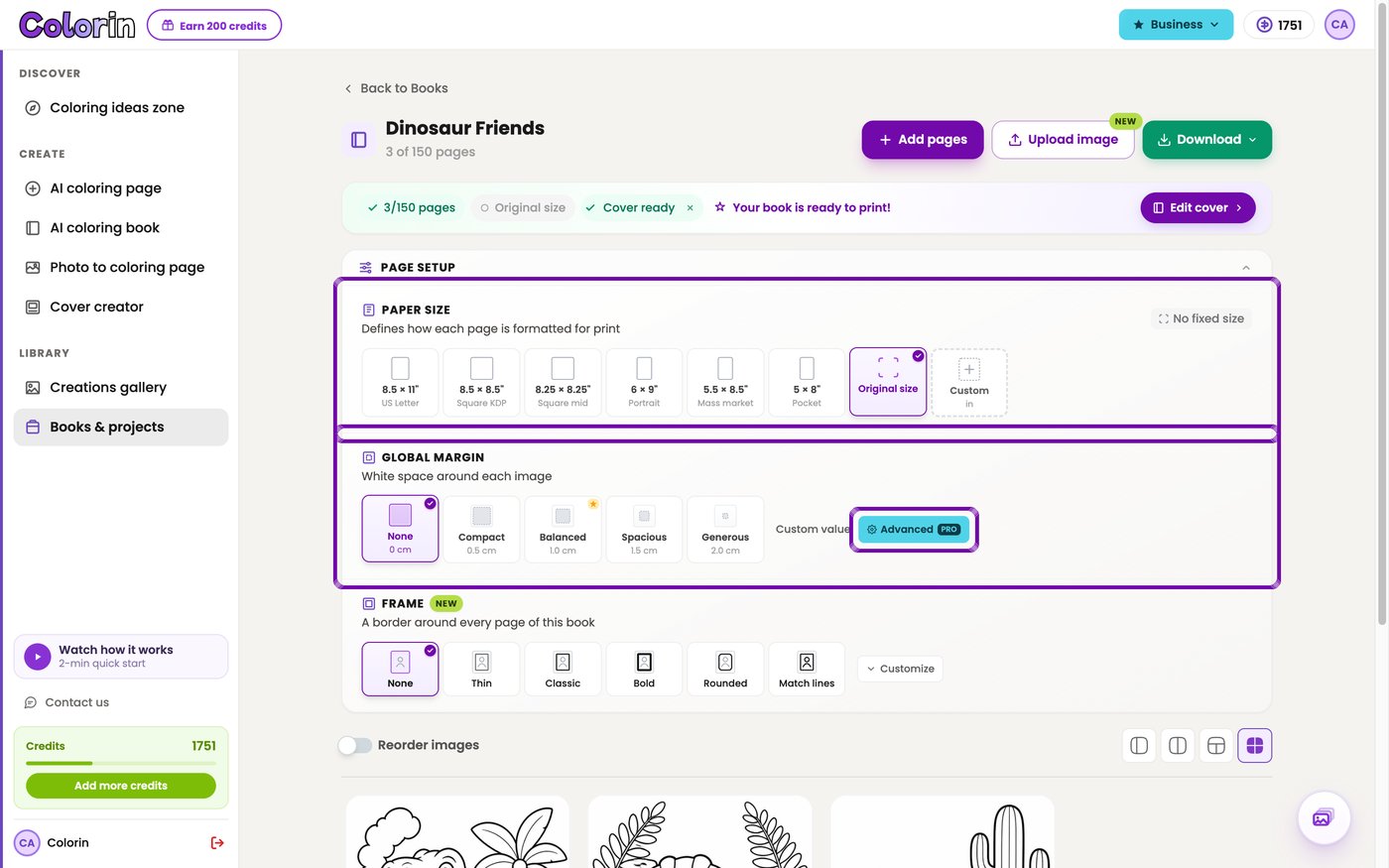
- The paper size, the margin and the frame in Page setup.
- Downloading the book as a PDF, as often as you need.
- Making, saving and downloading the cover in Cover creator.
- Touching up a page by hand in the Canvas.
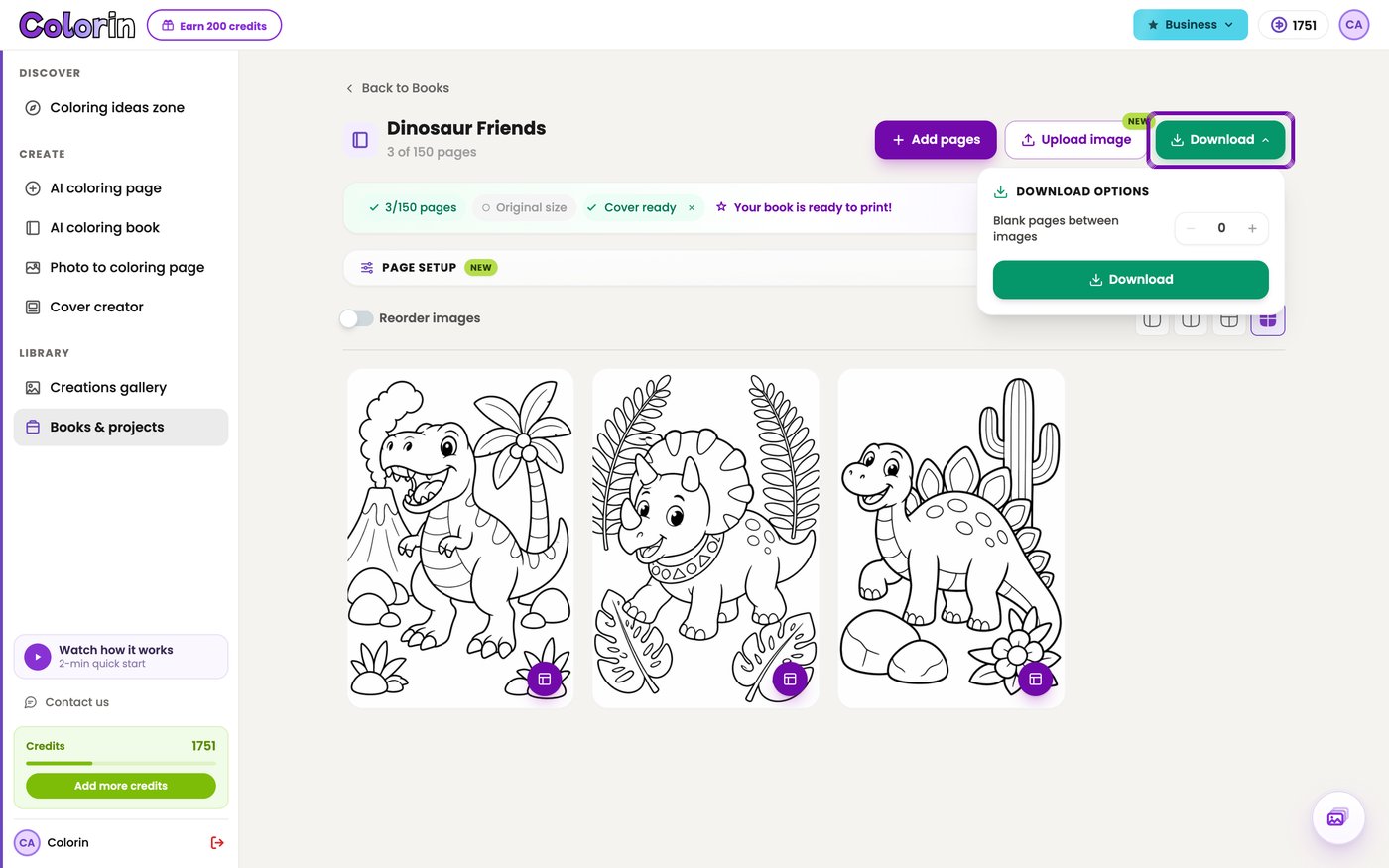
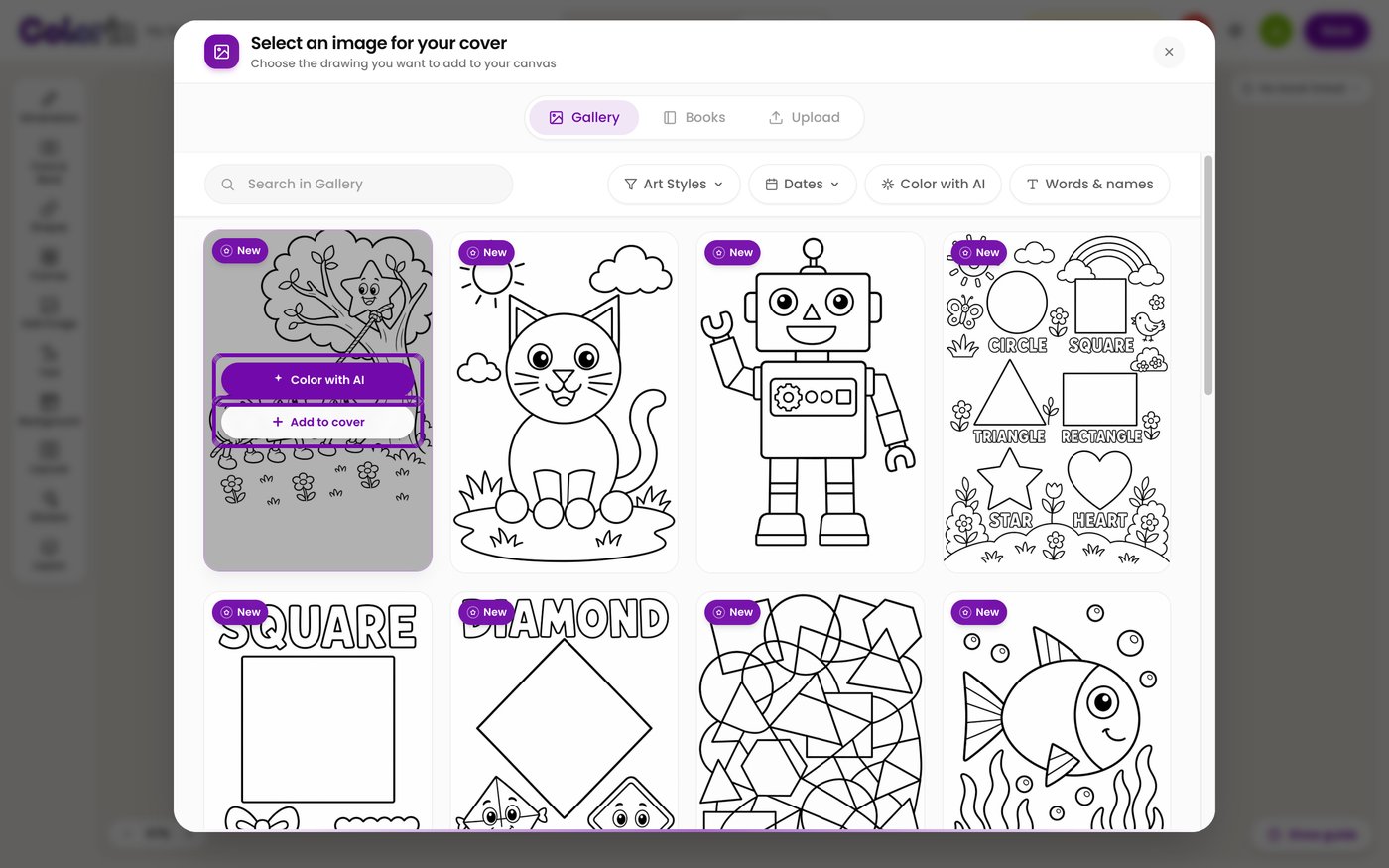
Two cover tools use credits. Upscale image for print takes 3 the first time you upscale an image. Color with AI takes 4 each time, on the plans that include it.
What Does Printing Add on Top?
$2.84 a copy through Amazon KDP, for a black ink paperback at 8.5 by 11 inches. In that size, 24 pages and 110 pages print for the same price. If you sell the book on KDP, you don't pay it upfront: KDP subtracts it from each sale. For a gift or a class set, you order proof or author copies at that price, plus shipping.
The rates on Amazon.com, from the KDP printing cost table on November 5, 2026:
- 24 to 110 pages, large trim: $2.84 per book. Large means wider than 6.12 inches or taller than 9.
- 24 to 110 pages, regular trim: $2.30 per book, for sizes like 6 by 9.
- Over 110 pages, large trim: $1.00 plus $0.017 a page.
The book starts at 24 pages because KDP's minimum page count is 24 (checked November 5, 2026). You set the paper size in Page setup, and the PDF downloads in that size.
A blank page behind each picture keeps markers from soaking through. Colorin adds them with Blank pages between images when you download. With one blank page between pictures, the book stays under 50 pages and still prints for $2.84. If you add them, set the same number in the cover's Dimensions, so the cover fits the new page count.
Every other place to print sets its own price. Our guide on where to print a coloring book compares home printing, copy shops and print on demand.
How Many Books Does a Month Cover?
Divide your monthly credits by the credits of one book. In Standard, that's 72 from a description and 77 to 79 from a photo.
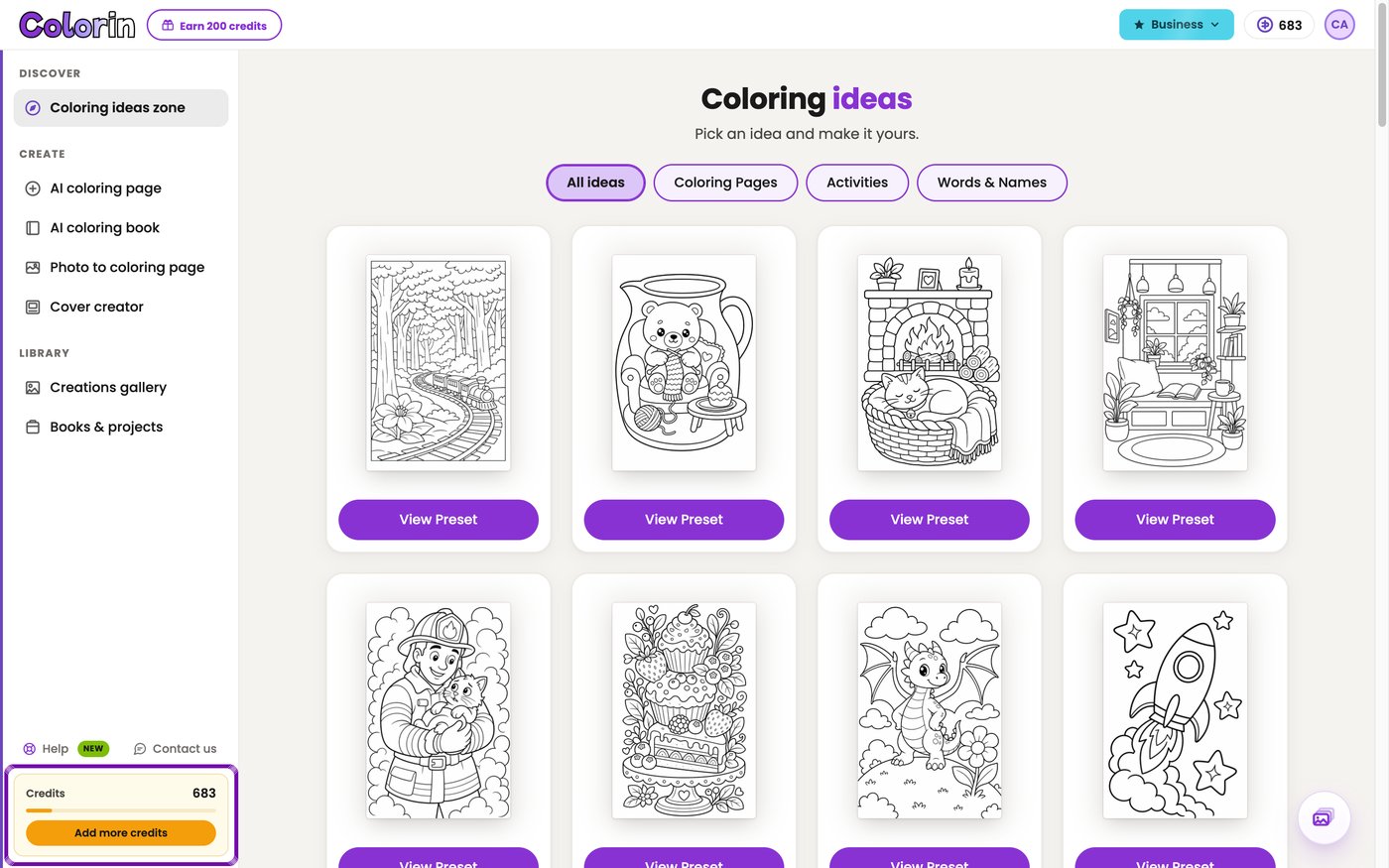
Your balance shows in the Credits card at the bottom of the menu.
Each plan also sets how many books you can have and how many pages a book holds, from 25 to 150. If your balance runs short, Pages stops at what your credits cover.
Two Copies or Two Children
A second copy of the same book costs only the printing. Colorin keeps the pages in Books & projects, and the PDF downloads again from there.
A book for a second child starts from their own photo, so it costs the 77 to 79 credits again.
The whole sequence, from one photo to a finished book, is in our guide on how to make a personalized coloring book.
Frequently Asked Questions
Do I Have to Subscribe to Make One Book?
For a 24-page book, yes. A new account comes with trial pages to test a style first, but without a subscription a book holds up to 15 pages and the Upload your image tab isn't included. A credit pack adds credits without the plan features, so it tops up a plan rather than replacing one.
Does Premium Double the Cost of the Whole Book?
Yes. A page goes from 3 credits to 6, the photo from 3 to 6 and your coloring page from 2 to 4. So a 24-page book from a photo goes from 77 credits in Standard to 154 in Premium.
Do I Pay Again to Change One Page?
Only for that page. A new page from your coloring page costs 3 credits plus 2 for your coloring page, in Standard. Fix Areas changes a small detail for 4 credits. In the Canvas, you can also fix it by hand.
Make your 24-page book with the plan that covers it.
Colorin AI is an AI coloring page and coloring book generator for parents, teachers and creators who sell on Amazon KDP and Etsy, with generation from a written prompt or from a photo, character lock for consistency across pages, and print-ready export sized for KDP.
Written by Kisbel Blanco. Published August 25, 2026. Updated November 5, 2026.