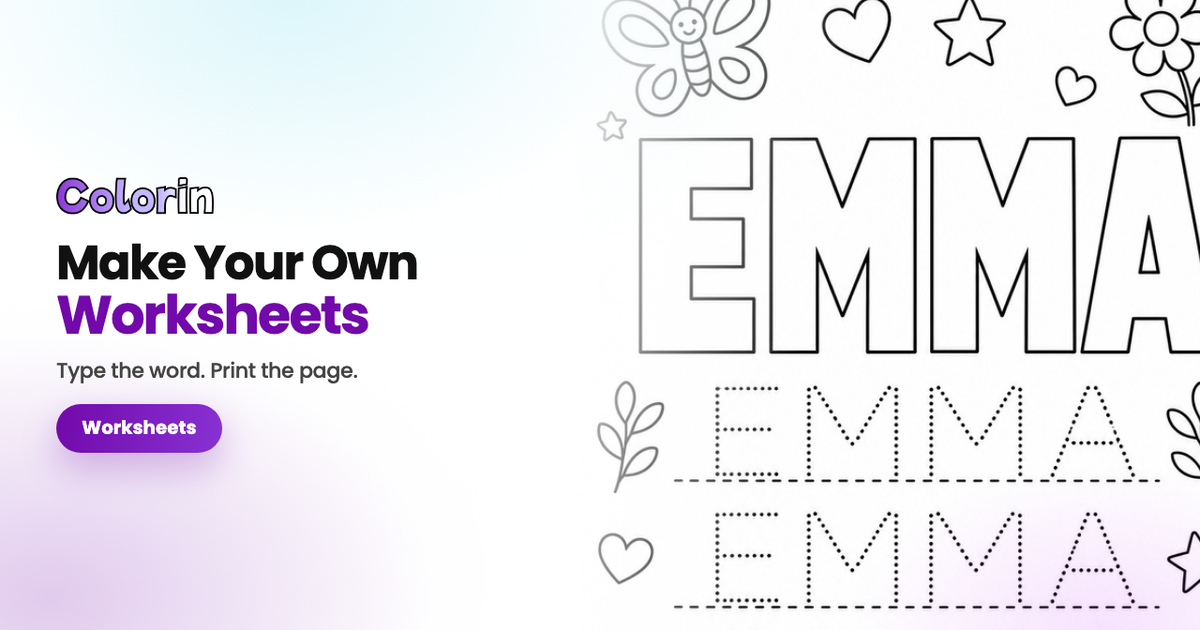
Ever gone looking for a worksheet and found everything except the one you need? The name is spelled Aliyah when your student is Aaliyah, or the rows are sized for first grade and a five-year-old can't trace them. Making the sheet yourself takes one sentence. You write a name tracing page for Aaliyah, four rows, wide lines, and the page comes back ready to print.
Colorin runs in a browser tab, so nothing installs and a school Chromebook is enough. And it does a class list in one pass: twenty-two sheets with twenty-two different names, generated together. You type the names yourself, and there's no roster to upload anywhere.
What a Writing Worksheet Needs
Three measurements decide whether a sheet gets used or thrown away.
- Room for the hand, not for the page. A five-year-old writes big. Rows that fit eight letters across come back too small to trace.
- A model to copy from. One solid version at the top, dotted versions underneath. Without the model the child invents the shape.
- Four rows, not twelve. Long enough to count as practice, short enough to finish.
Step 1. Pick the Sheet You Need
Four sheets cover the year, and you print whichever one matches where the child is this week. Any of them runs once per child for a whole class.
| The sheet | What the child does | When to print it |
|---|---|---|
| A name in hollow letters, with tracing rows underneath | Colors the letters, then traces the rows | First week with a new name |
| One capital letter, solid once and dotted five times | Works on a single hard letter | When one letter keeps coming out backwards |
| The alphabet in dotted letters on ruled lines | Traces the letters in order | Once single letters are steady |
| A drawing at the top, ruled writing space below | Colors, then writes with no model | Last, when you want it from memory |
Step 2. Type One Line Describing It
Colorin runs in a browser tab, so there's nothing to install and it works on a Chromebook. Pick the mode at the top of the page first, because it changes what you type next.

- Words and names is for a page built around one word: a child's name, a sight word, a single letter.
- Scenes and characters is for a page you have to describe whole, with its rows and its ruled lines.
The Name Tracing Sheet
This is the one most weeks need. In Colorin, Words and names gives you one box for the word and a few choices around it.
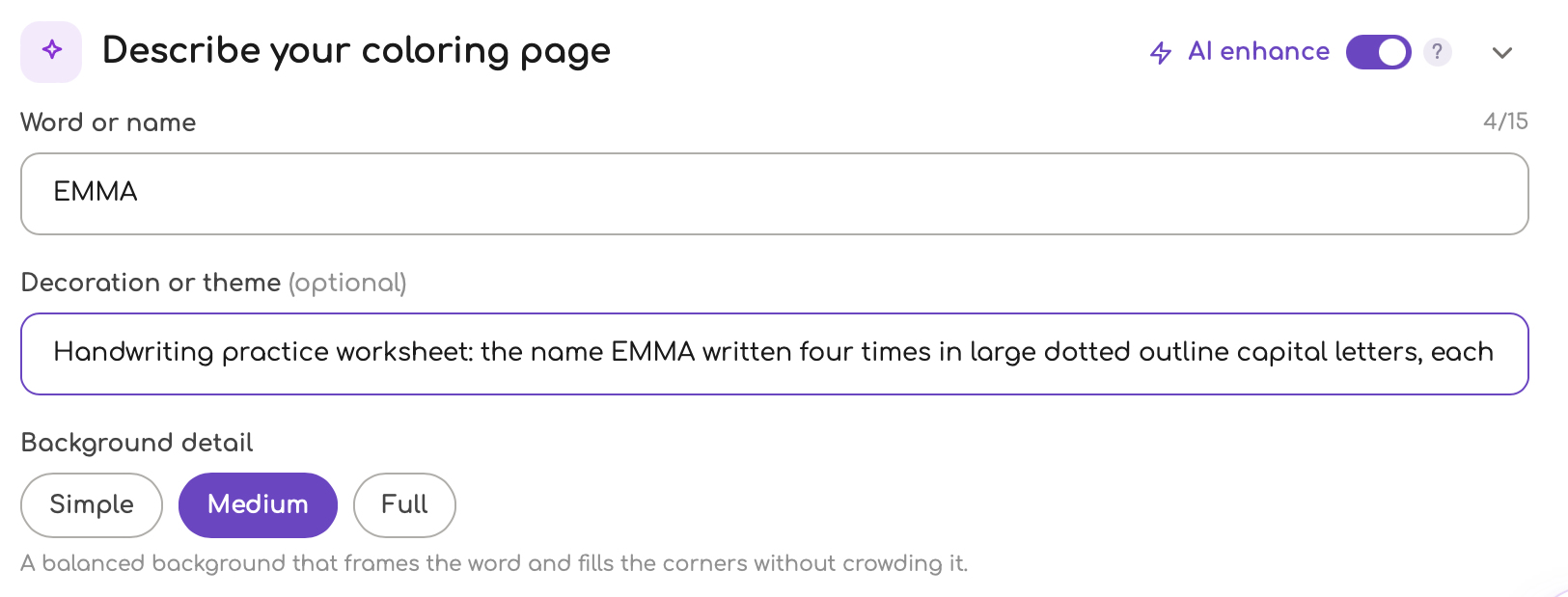
- Word or name. Type the name. Colorin prints it in capitals whatever you type, and capitals are the shape a young class learns first. The box holds fifteen characters, so Nathanael fits and a long double name will not.
- Letter style. Block gives the thick hollow letters a child can color inside without going over the line. Bubble, Floral, Graffiti and Zentangle are the other four, and Zentangle is the one that caps shorter, at eight characters.
- Decoration or theme. This is where you say what the page is for. Write Handwriting practice worksheet: the name EMMA written four times in large dotted outline capital letters, each on its own line and Colorin generates the tracing rows under the word.
- Background detail. Simple scatters a few small drawings in the corners and leaves white space around the word, which is what practice work wants. Medium frames the word with more of them, and that is the version a child colors and keeps.
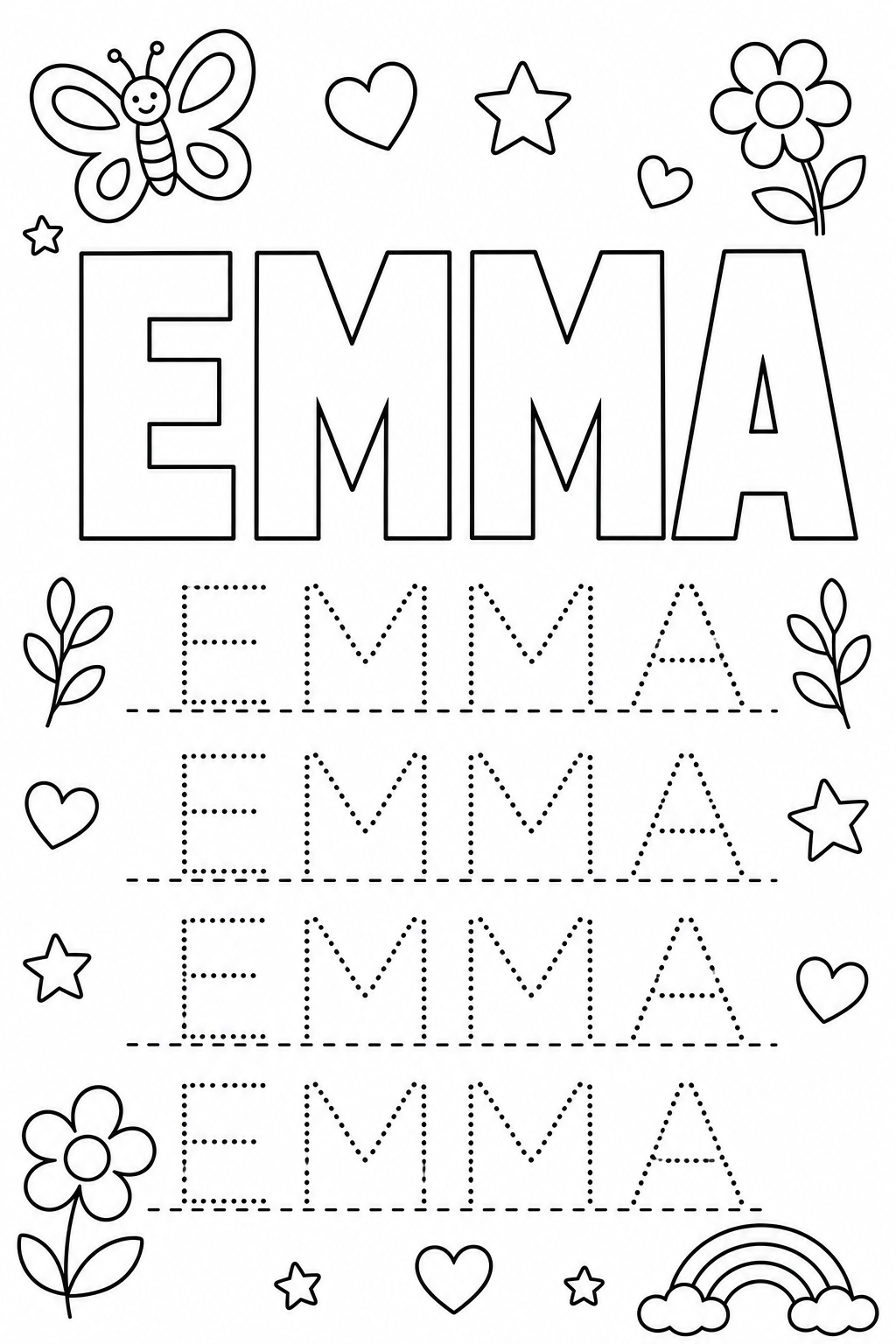
Then Generate, and Colorin returns the page in about a minute. You never describe the line weight or the white background, because Colorin generates every page that way already. Say what has to be on the sheet and leave the rest to Colorin. If a page keeps coming out wrong, the fix is usually in how the description is worded.
The child colors the big letters first, then traces the rows underneath. Most will color for ten minutes and trace for two, and the tracing still happened.
The Letter of the Week Sheet
When a letter keeps coming out backwards, give it its own page. Same Colorin mode, same steps, one letter in the box instead of a name.
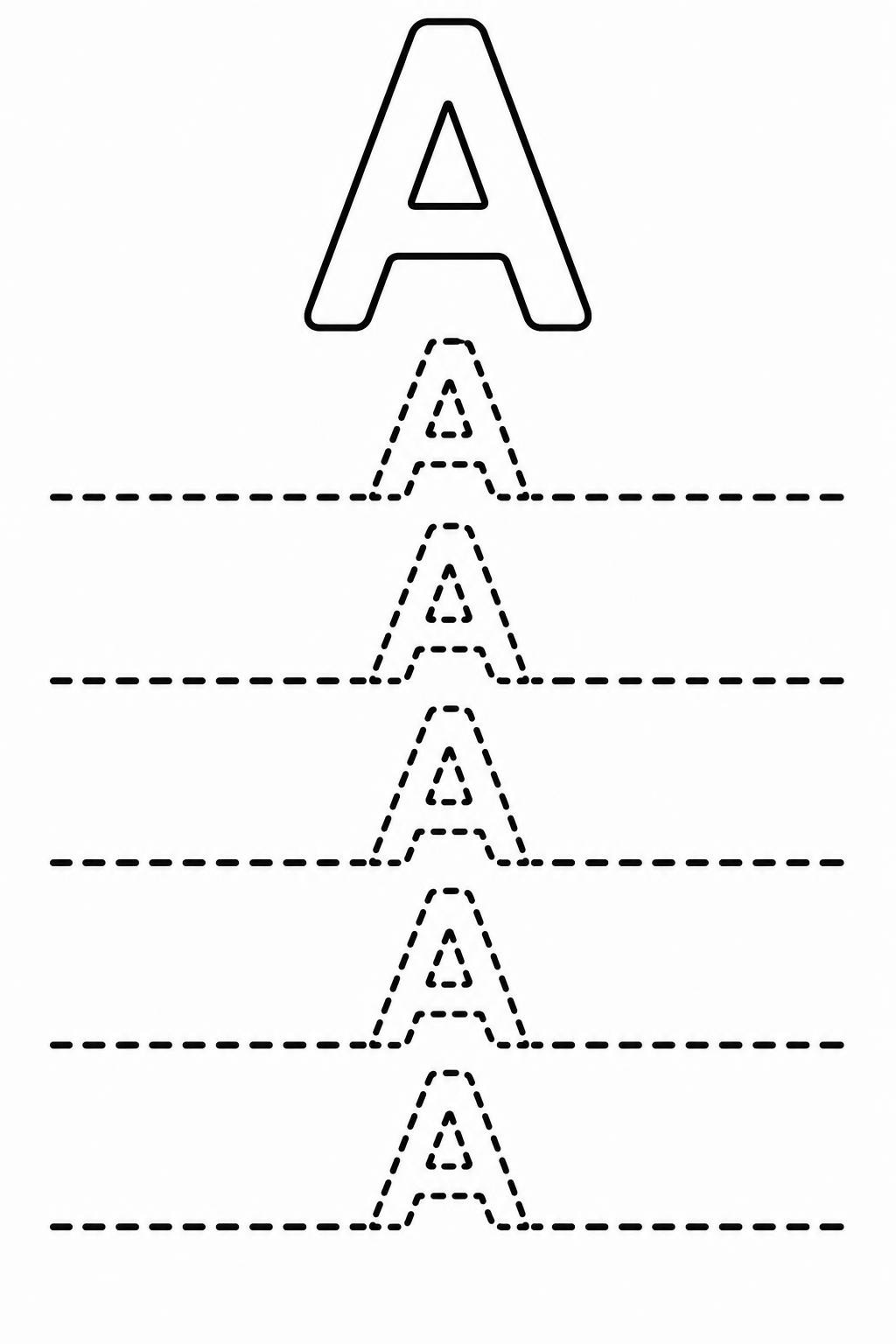
Describe the sheet top to bottom, and that's the order it comes out in:
- One solid letter at the top. That's the model, and it shows the shape.
- Five dotted copies below it. Those do the work.
- A dashed baseline under each row. It tells the child where the letter sits.
Five copies is the number that gets finished. Twelve looks more thorough on the page and gets abandoned halfway down, and a sheet that never gets finished teaches the child that these sheets do not get finished.
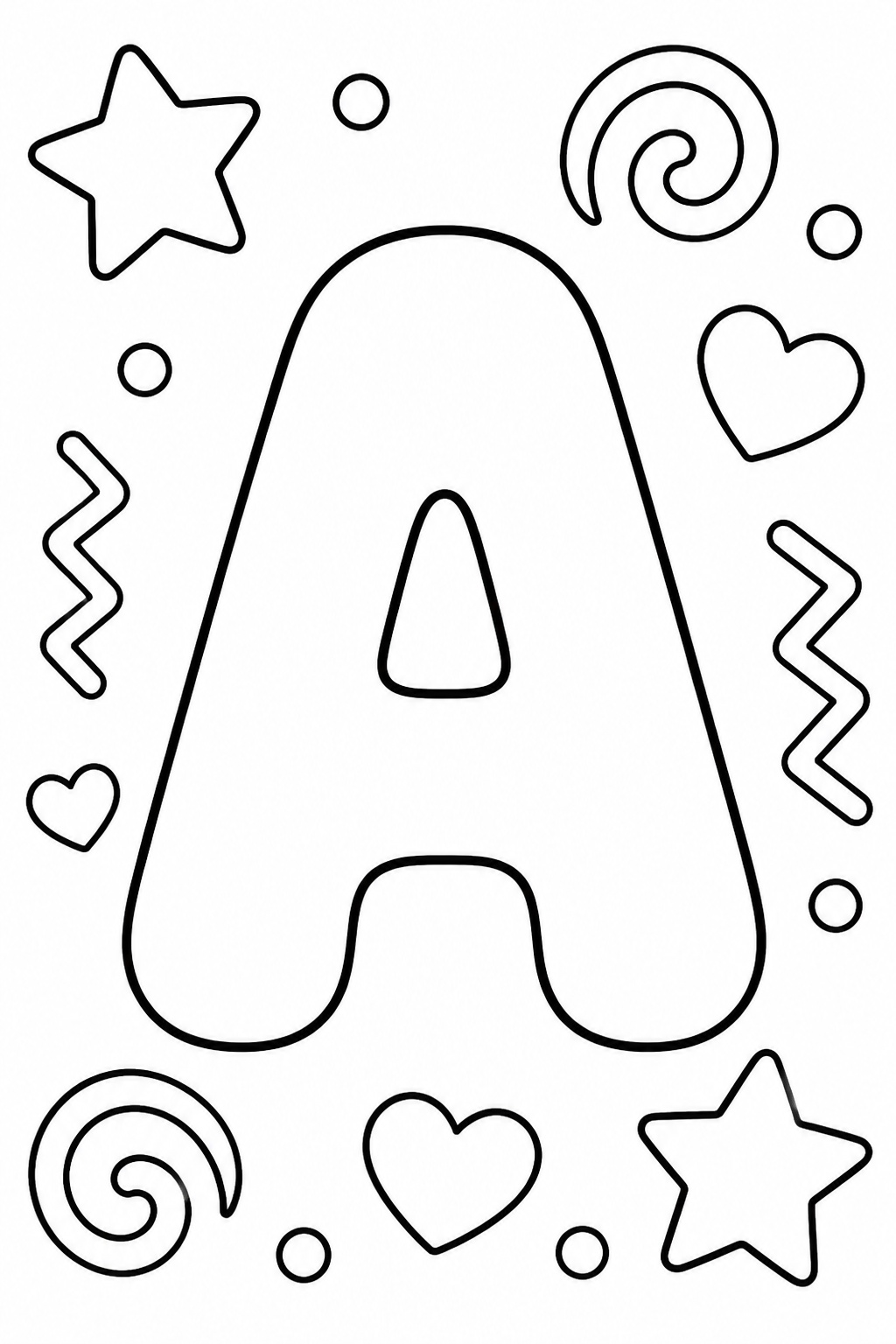
The same letter also works as a plain coloring page, for the child who isn't tracing yet. Thick outlines and open space hold up better in small hands, so at this age bold and easy pages are the ones to print.
The A to Z Sheet
The alphabet sheet needs the whole page described, not one word, so in Colorin it's made in Scenes and characters.
Write what the page holds: Cursive handwriting practice sheet: the lowercase cursive alphabet a to z in dotted outline letters on three horizontal ruled lines and thick dotted strokes. Colorin lays the letters out in order across the rows.
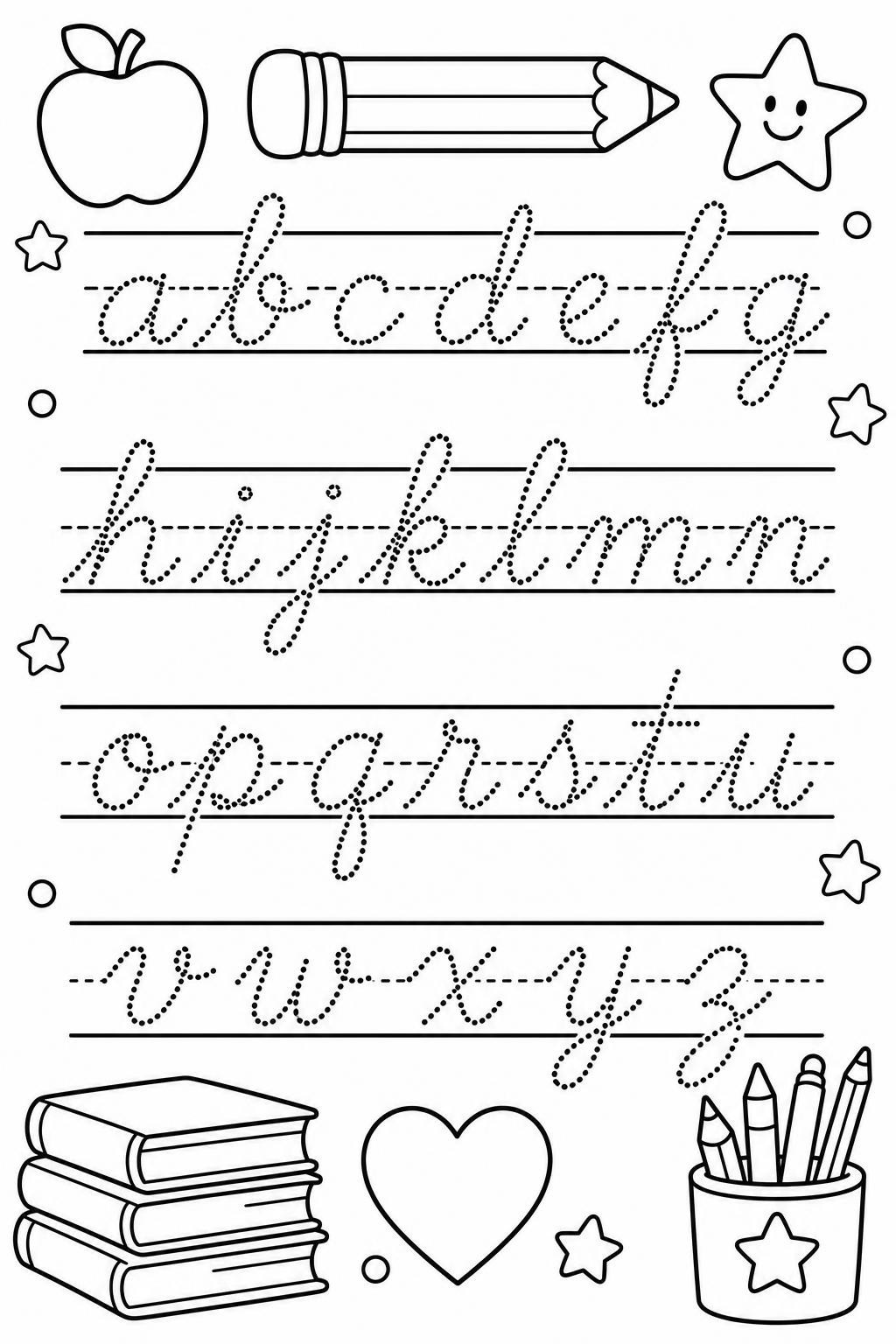
Three choices decide whether the sheet is usable:
- Say how many rows. A whole alphabet crammed onto one sheet leaves each letter no room.
- Pick one case per page. Lowercase or capitals, so the child works on one shape at a time.
- Say whether the letters sit on lines. Lines keep the letters the right height, so leave them off while the child is still working on the shape.
Cursive is the version above, on three lines, because that is what a second year asks for. For a first year, ask for print letters instead and the rest of the sentence stays the same.
The Sheet They Color First and Write On After
This is the page with a picture at the top and blank lines below, and it's the one that gets writing out of a child who says no. Same Colorin mode as the alphabet: Scenes and characters takes a description of the page instead of a word.
Write what goes on the page: Kindergarten worksheet page: a blank ruled writing area at the bottom with a simple apple at the top to color. The picture comes out above the lines, and you swap the apple for whatever the week is about.
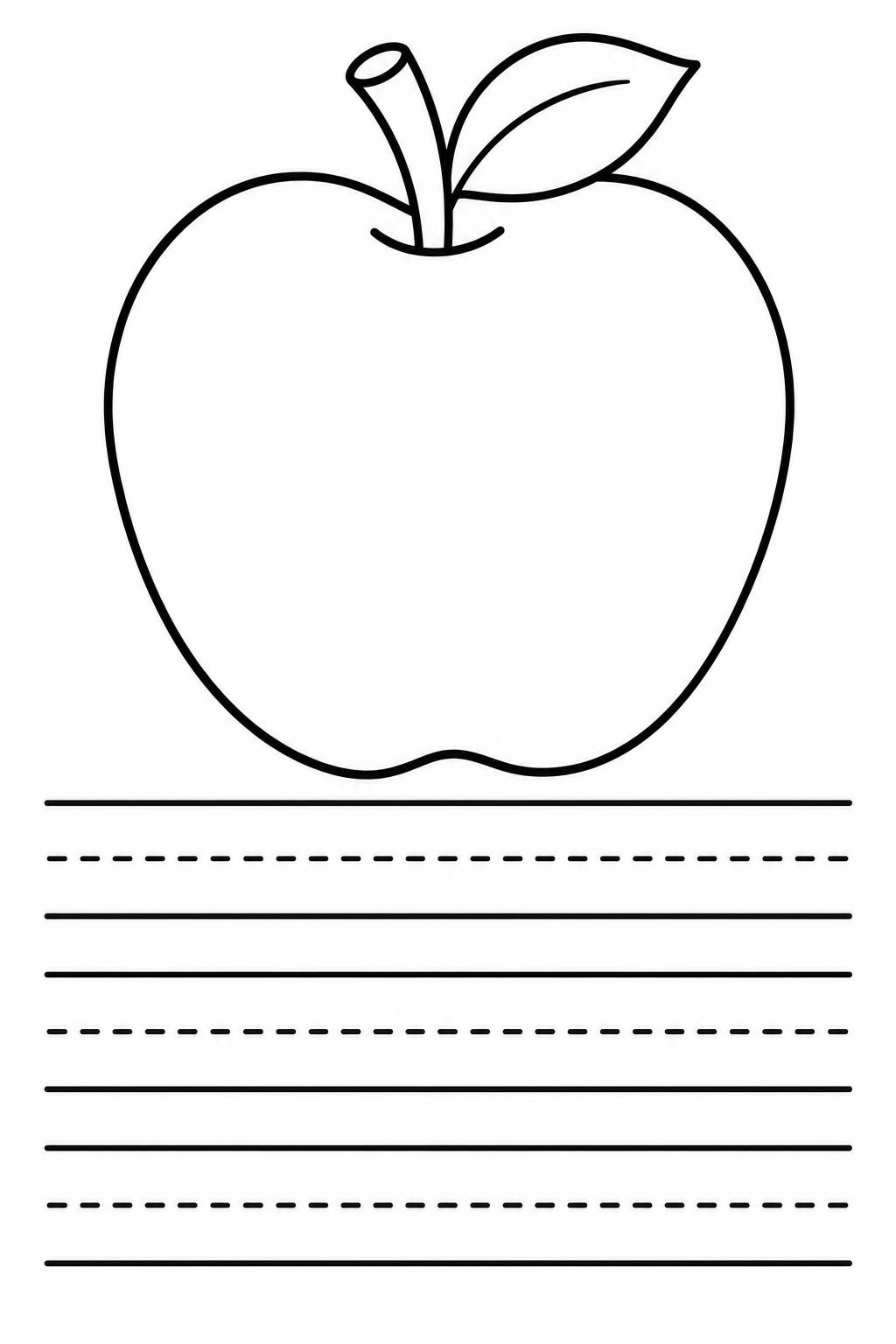
They color first, which is the part they want, and then they're already at the table with a pencil in hand when the lines come up. That's the reason the picture goes on top.
Swap the apple for the week: a leaf in October, a mitten in January, whatever is already on the wall. The sentence stays the same and only the object changes, so the sheets come out looking like one set.
AI enhance sits next to the description box, and it was on for both of those pages. It fills in whatever your sentence left out. In Words and names it only touches the decoration, never the word itself.
One Sheet per Child for the Whole Class
One name is one page, and a class is twenty-two of them. That's where doing it by hand falls apart: a font to install, a template to open, a name to type, and then twenty-one more.
Colorin's Book Generator takes ideas one line at a time, so the class list becomes the input:
- One line per child. Identical wording every time, with only the name changing.
- Paste them all at once. Colorin generates the set together, in one style.
- Split a long list. Send it in batches, and keep the wording identical so the second batch comes out looking like the first.
Then download the set from Colorin as a single file. You print it once and hand out a page each, instead of opening twenty-two files on a Sunday night. It's the same batching behind making a personalized coloring book.
A class set prints like any other stack of pages, and the settings that matter are in the guide on printing coloring pages at home.
For a whole grade, or for a pack you're going to sell, sending it out beats running your own printer, and that's covered in where to print a custom set.
And if you sell printables, the same batch is a pack. Personalized, where the buyer sends a name and you send back the pages, or the full alphabet, twenty-six sheets that work for any name. It's the same route as selling pages on Etsy. Make the first name page and the rest of the set follows the same line.
Frequently Asked Questions
Can I Start Without Paying?
Yes. You can make pages without paying, so the first name sheet costs nothing to try before you decide anything.
Do I Have to Upload My Class List Anywhere?
No. You type the names into the box, one per line, and download the sheets. There's no file to upload and no roster to hand over.
Can I Choose the Handwriting Font My School Uses?
Not by name, and this is the real limit. You describe the letters in words instead: dotted outline capitals, cursive on three ruled lines, a dashed middle line. If your district requires one exact typeface, the sheets will look close but not identical to it.
What Size Does the Sheet Come Out?
It downloads as an image, so the paper size is your printer's setting, not the file's. Print it fit to page on letter paper and check the first one before you run the rest.
At What Age Should a Child Start Tracing?
After they can recognize the word, not before. A child who can't pick their name out of four cards isn't ready to trace it, and tracing then teaches copying rather than reading.
Capital Letters or Lowercase First?
All capitals first. They're built from straight lines and simple curves, with nothing rising above or dropping below the line. Mixed case comes once the capitals are automatic.
What About a Long Name?
Split it across two pages. First three letters on one, the rest on the other, and the full name only once both halves are steady.
What to Print Next Week
By the end of kindergarten a child is expected to write their name with a capital first letter and the rest lowercase. These four sheets are the steps toward that, in order: color the shape, trace it, trace it without the big model, then write it with nothing to look at.
Make your first name worksheet and start with the word they already know.
Colorin AI is an AI coloring page and coloring book generator built for creators who sell on Amazon KDP and Etsy, with generation from a written prompt or from a photo, character lock for consistency across pages, and print-ready export sized for KDP.
Written by Kisbel Blanco. Published September 23, 2026.